
THE ONLINE PHOTO STUDIO
Birthday Video Maker
Make a personal greeting with this birthday video maker. Add 5–8 photos, write a name or birthday wish, and preview a 10–15 second paper collage. The birthday theme brings a central portrait, surrounding memories and confetti together. Editing is free; sign in and use credits when you export your MP4.
- 5–8 photos
- 10–15 seconds
- MP4 video export
03 / PAPER THEMES
Find the paper for your story.
One collection, three paper moods. Choose a theme, then make it your own.
Explore the library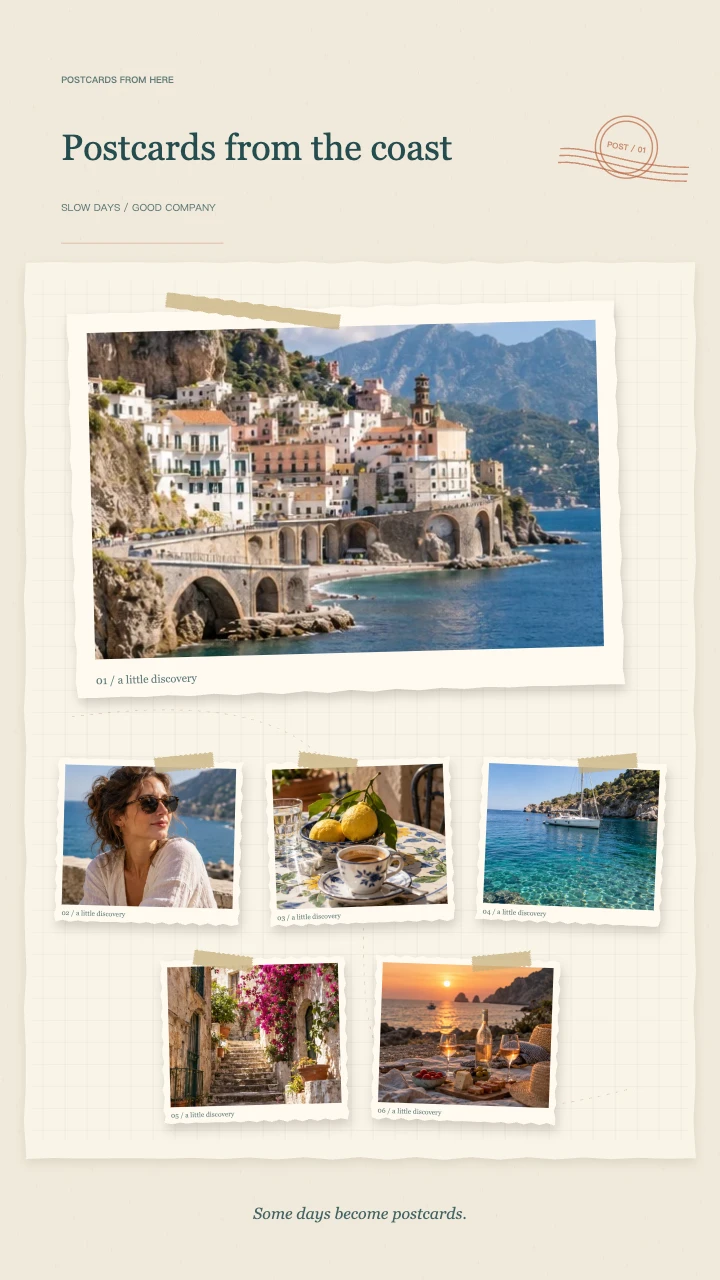
Travel journal
A wide postcard, layered snapshots and travel-journal details for the places you want to remember.
Open template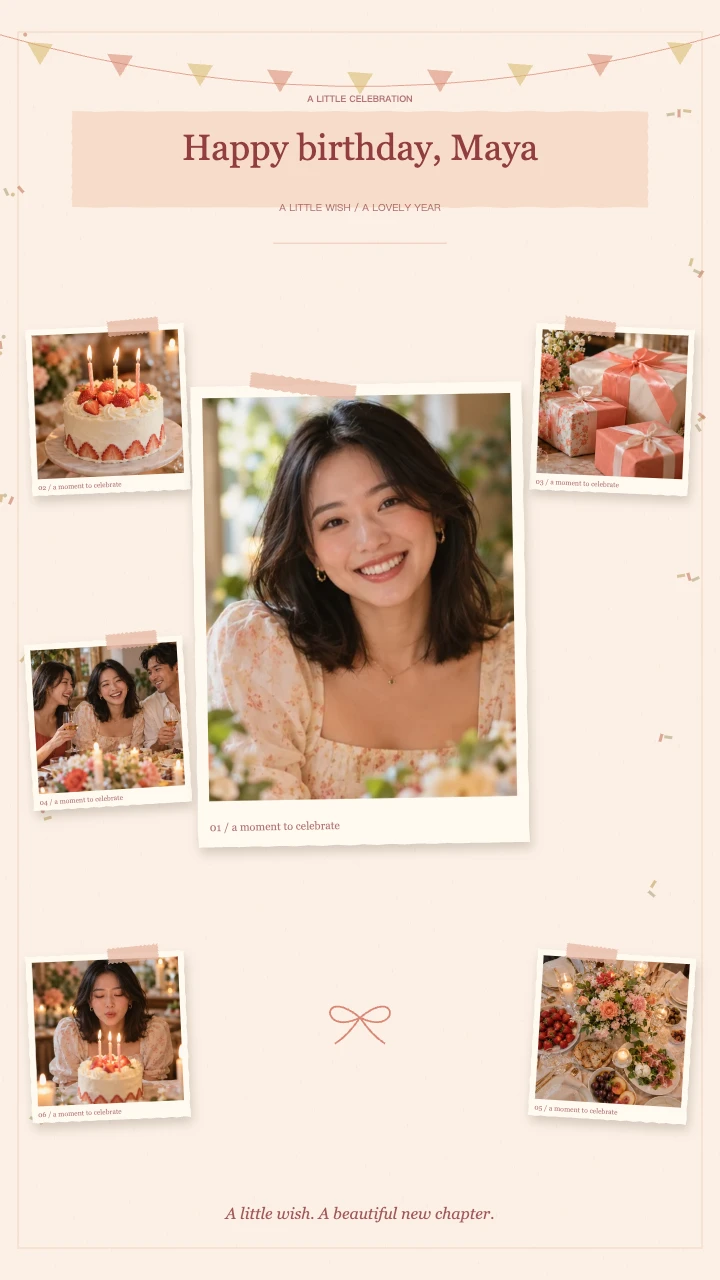
Birthday wishes
A portrait in the spotlight, favorite memories around it and a little confetti to celebrate.
Open template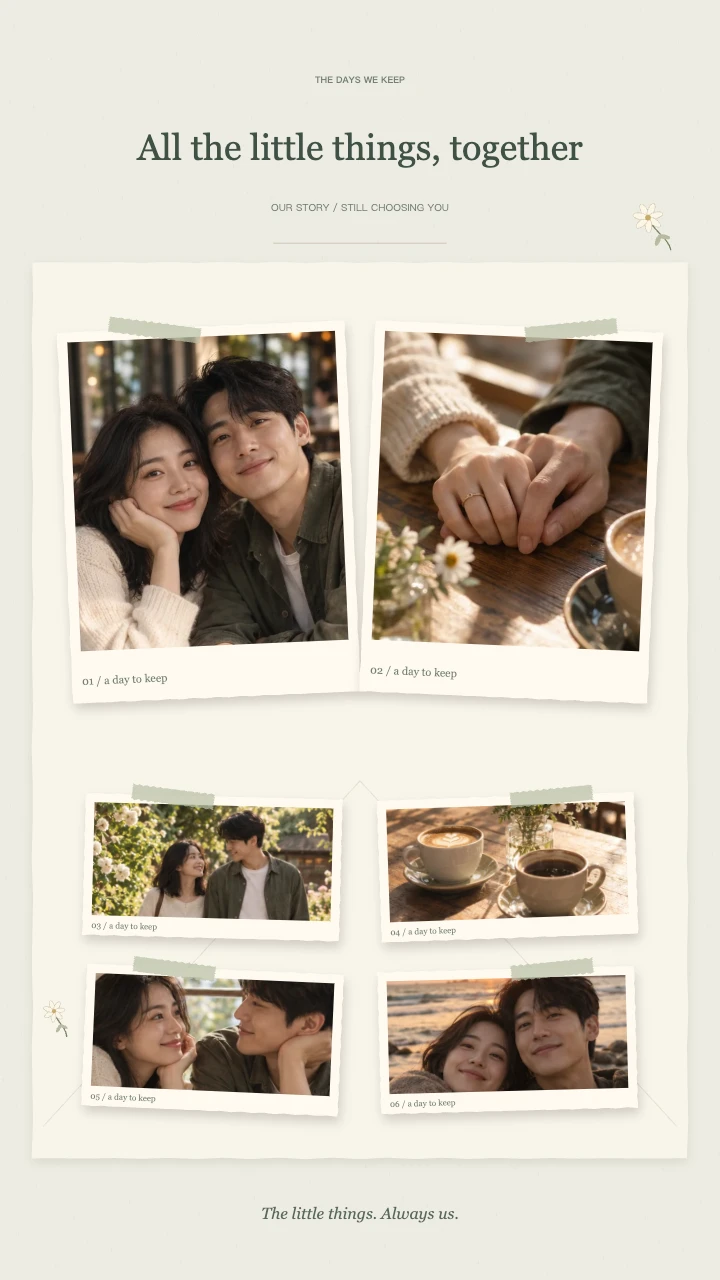
Our little story
Two keepsake prints, soft botanical details and a slower unfolding of your shared days.
Open templateAI-generated demo photos · fictional people and scenes · replace with your photos
A birthday video maker for a small collection of memories
A birthday photo video can say something personal without a long speech. Start with a recognizable portrait, then choose moments that show your relationship: an ordinary lunch, a shared trip or a favorite celebration. This birthday video maker turns those pictures into a short greeting you can send directly or include in a larger celebration edit.
The birthday video maker opens with the birthday theme ready to try. The first photo becomes the main portrait while smaller memories arrive around it. A paper background, bunting and confetti give the composition a celebratory setting. You supply the meaning through the pictures and words you choose.
Choose a birthday video maker format before cropping
Choose 9:16 for a vertical birthday greeting, 1:1 for a square post or 16:9 for landscape sharing. The birthday video maker rearranges the photo frames for each canvas. Pick the shape before adjusting individual crops, because the space available around a face changes with the layout.
You can mix portrait and landscape photos. Open a thumbnail to move the focus horizontally or vertically and adjust zoom. Check that the birthday person stays visible during the entrance as well as in the final collage. Keep important faces away from the edges of the original image when possible.
Plan your birthday slideshow in five to eight pictures
Before using the birthday video maker, choose a small set with variety. One clear portrait gives viewers a starting point; a group photo adds people; a detail such as a cake or a familiar place adds context. Remove near duplicates so that every frame contributes a different memory.
This birthday video maker accepts JPG, PNG and WebP images up to 10 MB each. Five photos make a focused birthday slideshow, while eight leave room for more friends and details. It creates a compact collage rather than a long presentation of childhood photos or a compilation of recorded birthday messages.
Make the birthday wish sound like you
Use the birthday video maker title for a name, a simple Happy Birthday or an affectionate phrase. Put a date or a short dedication in the note. A familiar nickname or a reference to a shared memory often feels more personal than a generic paragraph copied into a small frame.
The birthday video maker keeps the title above the composition, so short wording works best on a phone. Play the animation at normal speed and read it without pausing. If the greeting needs an explanation, shorten the on-screen text and put the longer message alongside the video when you share it.
Preview your birthday video maker story and sound
Try 10, 12 or 15 seconds in the birthday video maker. A quicker version suits a simple greeting, while a slower version gives viewers more time with each memory. Watch the beginning, the surrounding photo entrances and the complete ending before choosing your final pace.
The birthday video maker includes an optional original synthesized instrumental melody. Listen before exporting to decide whether it suits your greeting. The editor does not upload songs, record a voice message or automatically match cuts to a beat. Add a favorite song or spoken wish to the downloaded MP4 in another editor if needed.
Birthday video maker export quality and credits
Editing and preview in the birthday video maker are free without signing in. Export requires an account and credits: 720p uses 1 credit and 1080p uses 2 credits. The output is a 30fps H.264 MP4. Both qualities use the same photos, birthday composition, title and selected duration.
The birthday video maker encodes on your device, so speed and support vary by browser and hardware. If your browser cannot encode 1080p, try 720p. Failed or cancelled exports release reserved credits. Completed videos are saved to My Files for 90 days; download a local copy for the recipient and your own archive.
Send a happy birthday video they can keep
Review the downloaded birthday video maker result with sound on before sending it. Check the spelling of names, the date and any cropped faces. For a private greeting, send the MP4 directly. For a public post, make sure the people pictured are comfortable with the photos being shared.
Use your happy birthday video as a short message, the opening of a longer tribute or a recap after the party. You can return to the birthday video maker to test another photo order before exporting again. Keep the source pictures separately so that the same memories remain available for future celebrations.
FAQ
A few things worth knowing.
The details on your photos, free previews and finished videos.
Is this birthday video maker free?
You can arrange photos, edit text and preview for free. Sign in to export an MP4: 720p costs 1 credit and 1080p costs 2 credits from your account balance.
How long is the birthday photo video?
Choose 10, 12 or 15 seconds with 5–8 photos. This is a short paper collage greeting, suitable for sharing or adding to a longer edit.
Can I add my own birthday song or video messages?
The current editor accepts photos and offers an optional instrumental melody. It does not import audio or video clips. Combine your MP4 with recorded messages or your own music in another editor.
Can I try the birthday scrapbook video template first?
Yes. The birthday theme opens with AI-generated fictional example photos. Replace them with your pictures, adjust crops and write your greeting. Previewing the template does not spend credits.
Does this birthday video maker work on a phone?
You can edit and preview in a mobile browser. MP4 export depends on browser encoding support and device resources. Try 720p if the higher resolution is unavailable.
Your next memory, on paper.
Bring 5–8 photos. Start with a free preview.