
Torn Paper PNG
Find a torn paper PNG for your next collage. Browse 24 AI-generated sheets, horizontal strips and single-edge pieces with transparent backgrounds. Download the original files free, without an account.
White torn paper PNG sheet
2496 × 3328PNG · 6.2 MB
Download PNG
Kraft torn paper PNG strip
4368 × 1872PNG · 8.0 MB
Download PNG
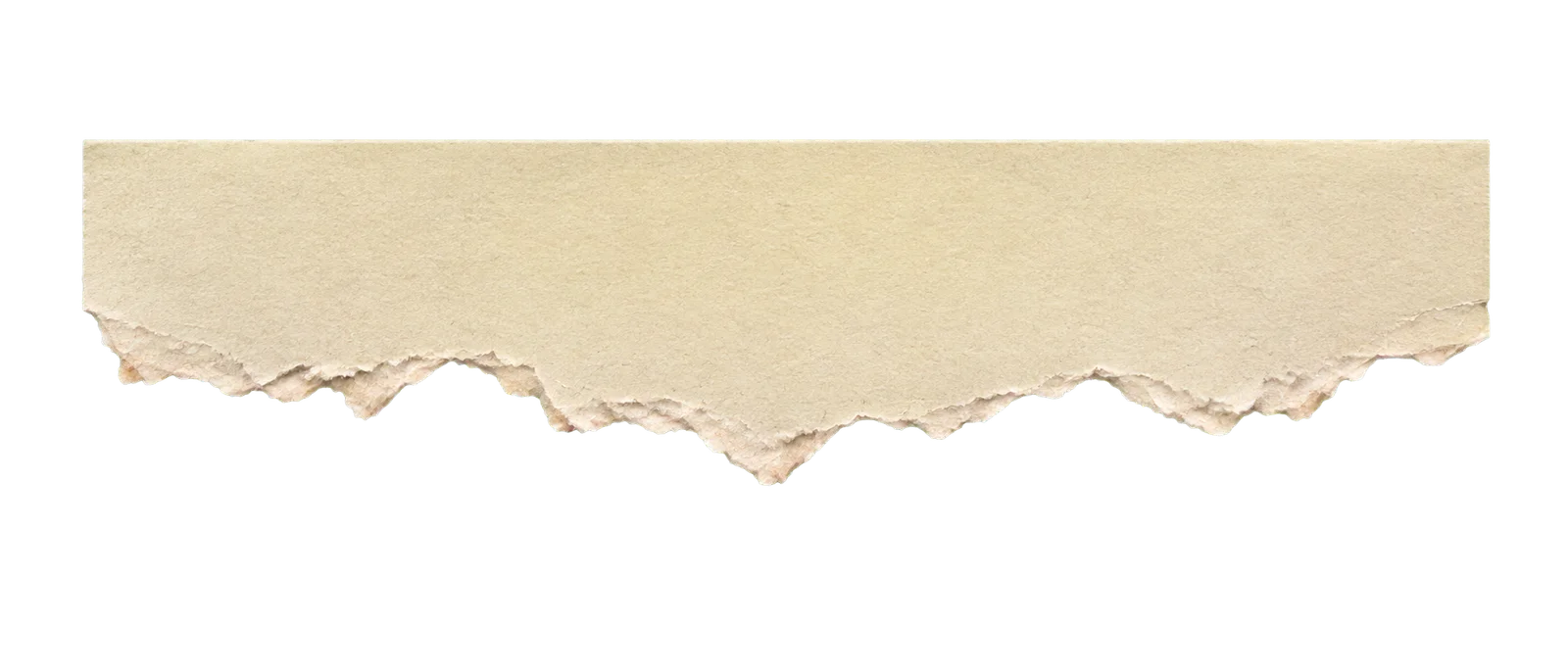
Beige torn paper PNG edge
4368 × 1872PNG · 5.8 MB
Download PNG
Ivory torn paper PNG sheet
2496 × 3328PNG · 6.5 MB
Download PNG
Cream torn paper PNG sheet
2496 × 3328PNG · 8.6 MB
Download PNG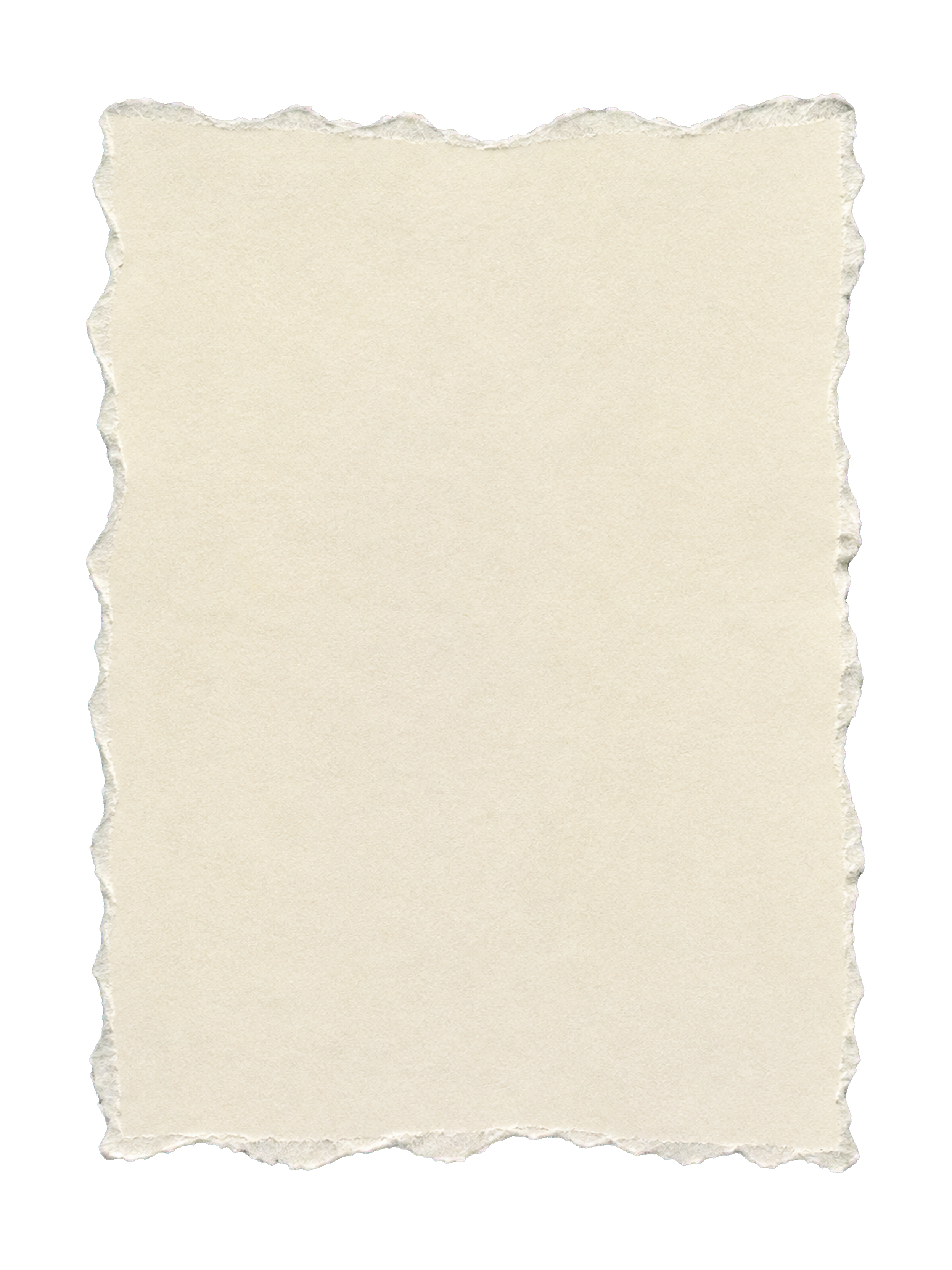
Kraft torn paper PNG sheet
2496 × 3328PNG · 11.8 MB
Download PNG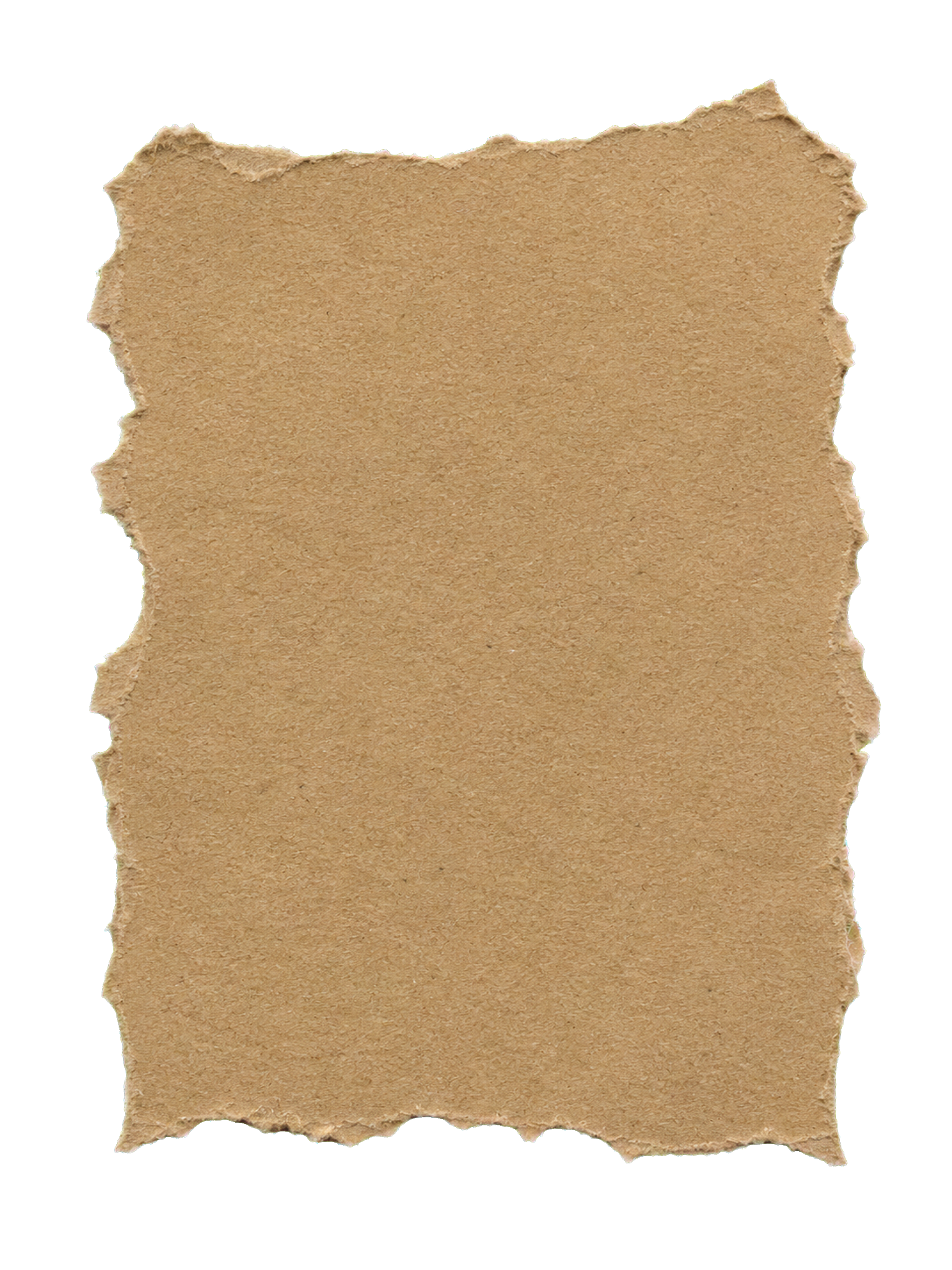
Angular white torn paper PNG sheet
2496 × 3328PNG · 5.6 MB
Download PNG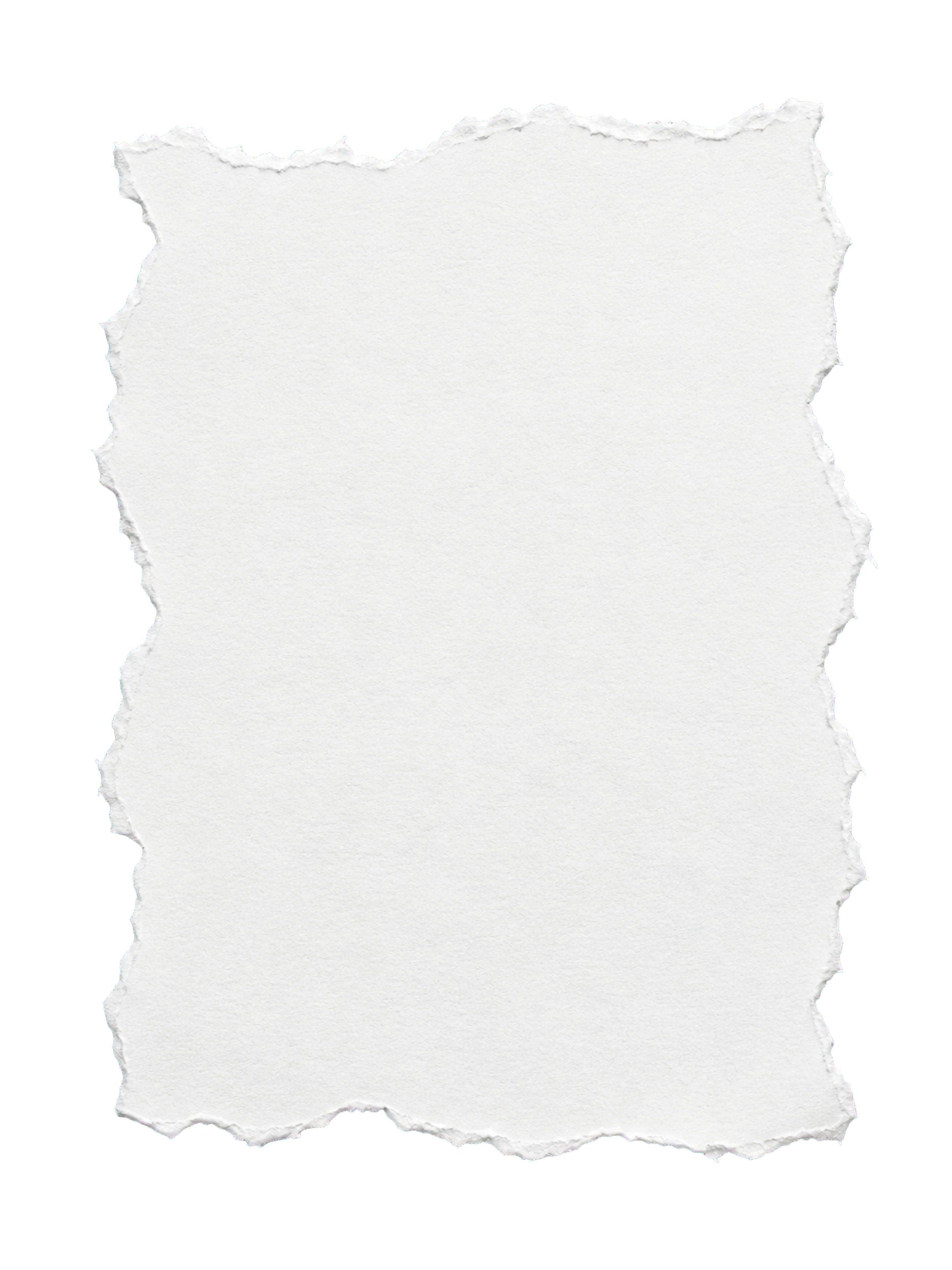
Beige torn paper PNG sheet
2496 × 3328PNG · 9.4 MB
Download PNG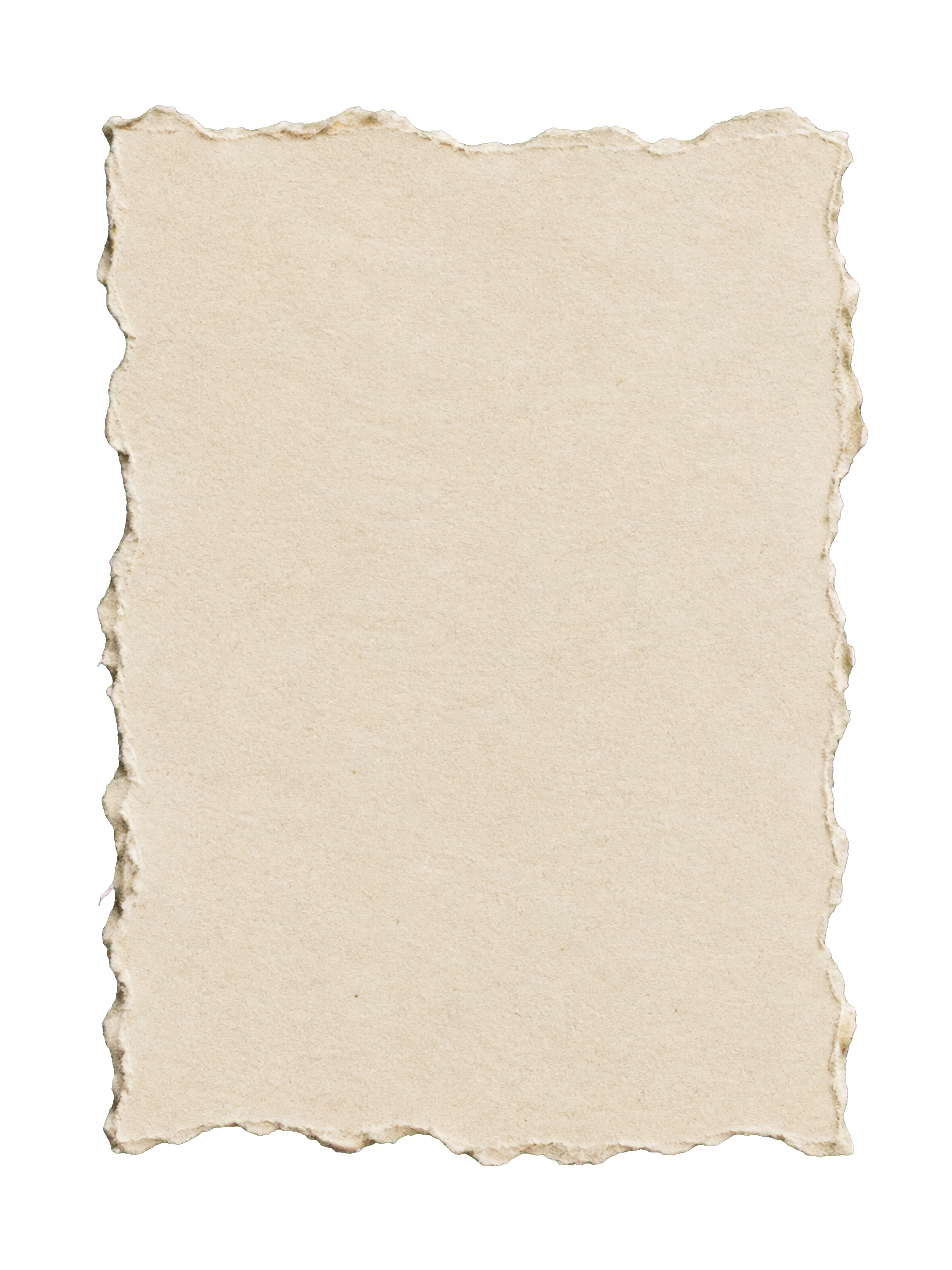
Light gray torn paper PNG sheet
2496 × 3328PNG · 9.1 MB
Download PNG
Ochre torn paper PNG sheet
2496 × 3328PNG · 10.7 MB
Download PNG
White torn paper PNG strip
4368 × 1872PNG · 3.3 MB
Download PNG
Cream torn paper PNG strip
3840 × 2160PNG · 4.2 MB
Download PNG
Ivory torn paper PNG strip
3840 × 2160PNG · 4.1 MB
Download PNG
Angular white torn paper PNG strip
3840 × 2160PNG · 2.7 MB
Download PNG
Beige torn paper PNG strip
3840 × 2160PNG · 5.8 MB
Download PNG
Light gray torn paper PNG strip
3840 × 2160PNG · 6.3 MB
Download PNG
Ochre torn paper PNG strip
4368 × 1872PNG · 7.5 MB
Download PNG
White torn paper PNG edge
3840 × 2160PNG · 2.3 MB
Download PNG
Cream torn paper PNG edge
3840 × 2160PNG · 3.1 MB
Download PNG
Kraft torn paper PNG edge
3840 × 2160PNG · 5.1 MB
Download PNG
Ivory torn paper PNG edge
3840 × 2160PNG · 3.2 MB
Download PNG
Angular white torn paper PNG edge
3840 × 2160PNG · 2.0 MB
Download PNG
Light gray torn paper PNG edge
3840 × 2160PNG · 5.4 MB
Download PNG
Ochre torn paper PNG edge
3840 × 2160PNG · 4.9 MB
Download PNG
You’re at the end of this little paper collection.Something new starts with a blank sheet.
Choose a torn paper PNG.
Choose a torn paper PNG by shape, then compare the color and the character of its tear. A whole sheet holds a composition; a strip or edge adds a smaller detail.
Full sheets
Use a complete torn paper sheet behind a note, photo or short passage of text. Keep room inside the irregular boundary so the lettering does not run into the fibers.
Paper strips
Long strips make useful labels, headings and scrapbook captions. Their transparent margins let the background show around the torn outline.
Single torn edges
Place a straight side against a page boundary and let the torn side break up the composition. Use one as a separator, a paper lip or a layered border.
A small tear. A new layer.
See how a torn paper PNG can become a note, a label or a photo border. These layout studies use the actual files; downloads contain only the original transparent paper elements.
Keep the
little things.
A note on a torn sheet
White paper becomes a quiet writing surface on a dark background. The irregular outline stays visible around the whole sheet.
Material: White torn paper PNG sheet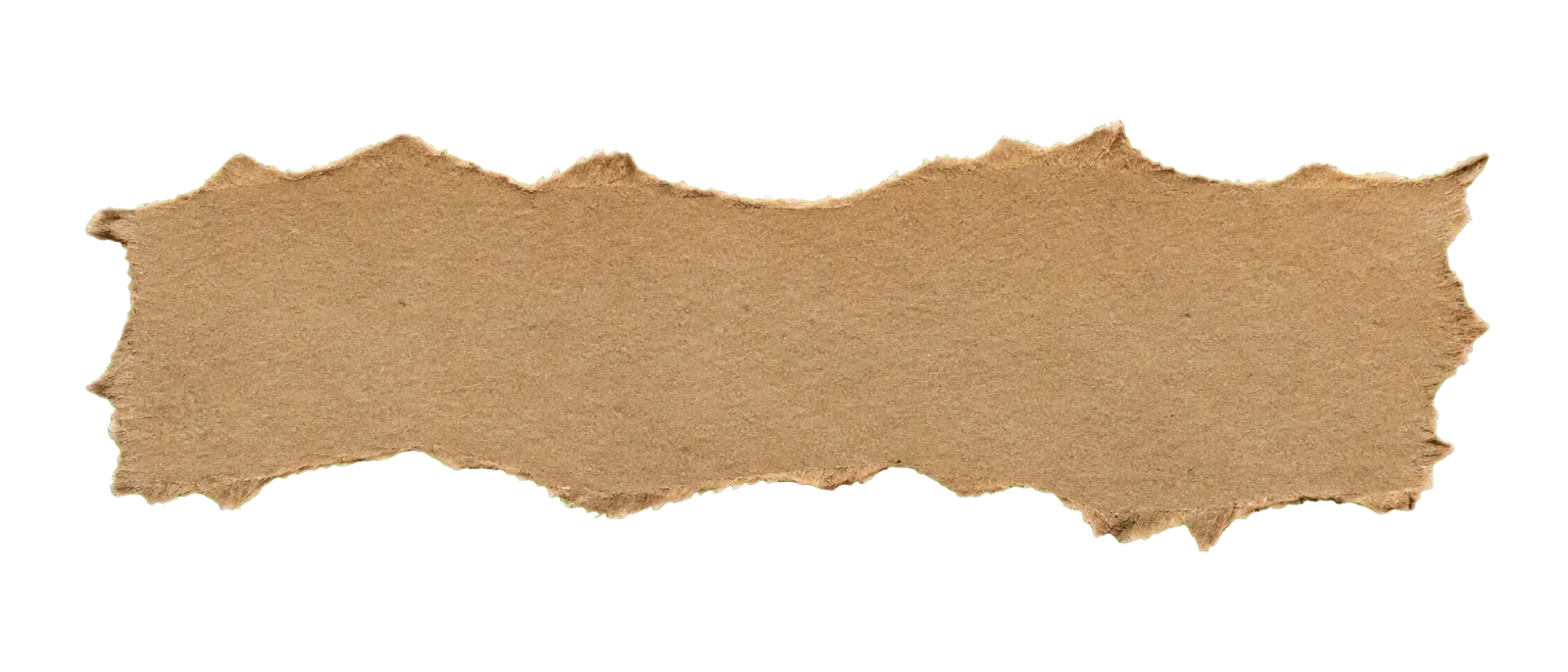
A day to remember
A label with a rough edge
A kraft strip gives a short headline a place to sit. Leave a little breathing room between the words and the torn boundary.
Material: Kraft torn paper PNG strip
A paper border over a photo
A beige edge sits above a photograph as a separate layer. The transparent part lets the photo show through the irregular tear.
Material: Beige torn paper PNG edgeHow to use a torn paper PNG.
Import a torn paper PNG into your design editor as an image layer. The transparent canvas makes it easy to place the paper over another color, texture or photograph.
Add a paper element
- Download the original PNG and import it as a new layer in your design.
- Scale it proportionally and position the visible paper where you need it. The file dimensions include transparent margins.
- Place text above the paper, or layer the paper over a photograph. Keep lettering inside the paper boundary.
Keep the transparency
- Use the PNG file rather than a screenshot of the checkerboard preview.
- If you still need a transparent result, export from your editor as PNG with transparency enabled.
- Choose JPEG only when you want to flatten the design onto a solid background.
A useful distinction: the paper itself is colored and opaque; the pixels around it are transparent. Changing the preview background does not recolor the paper.
Torn paper PNG file details.
Each torn paper PNG download keeps its transparent margins. Choose a shape and check the original pixel dimensions on its card.
- File format
- PNG · Transparent margins
- Full sheets
- 2496 × 3328 px
- Paper strips
- 4368 × 1872 px3840 × 2160 px
- Single torn edges
- 4368 × 1872 px3840 × 2160 px
- Download size
- Up to 11.8 MB per file
- Source
- AI generated
The checkerboard belongs to the preview only. The original download contains the paper element and transparent pixels, without that grid or the surrounding example design.
Dimensions describe the complete image canvas, including transparent space. Sheet, strip and edge files have different proportions; each card shows the exact original size.
Download price and usage rights
PaperMotion Asset License · Effective October 22, 2026
The files are free to download without an account. You may use and modify them in personal and commercial projects, including client work and finished products for sale.
Do not resell the original files, redistribute them as an asset pack or offer the source paper element as a standalone download.
This permission covers the AI-generated torn paper files in this collection under the PaperMotion Asset License. The files are not offered as CC0. Contact us about permission and refer to our terms.
Make your own paper cutout.
Create a blank paper sheet, strip or torn edge without uploading a photo. Adjust the fill, roughness and canvas size, then export a transparent PNG.
Torn paper PNG questions.
Transparency, file sizes and ways to use these paper pieces.
Have another question?Are these torn paper PNGs free?
Yes. Original PNG downloads are free and do not require an account. Personal and commercial use in finished designs is allowed under the PaperMotion Asset License. Original-file resale and redistribution as an asset pack are prohibited.
Will the checkerboard appear in my download?
No. It is a preview background used to show the transparent areas. Download the original PNG, rather than taking a screenshot of the preview.
What sizes will I get?
Sheets use 2496 × 3328 pixel canvases. Strips and edges use 3840 × 2160 or 4368 × 1872 pixel canvases. These dimensions include transparent space; the visible piece occupies part of that canvas.
Can I change the color of the paper?
The download keeps its original paper color. Choose a different file, or recolor the paper in your own image editor. The Light and Dark preview buttons only change the background behind the PNG.
Can I use these in Canva or Photoshop?
Import the PNG as an image layer and place it over your background or photograph. Add text above the paper layer and keep it inside the visible piece. Editing and export options depend on your editor.
Are these scans of real torn paper?
No. These paper elements were generated with AI and prepared with transparent margins. They are not presented as physical-paper scans.
Does the paper tear tool generate these exact PNGs?
No. The library provides ready-made transparent files. The workbench can generate a new blank sheet, strip or torn edge, or process your photo. It does not load the exact library PNG.