
Paper Texture
Find a paper texture for your next design. Browse 24 AI-generated surfaces, from fine grain and crumples to folds and vintage finishes. Download original PNGs free, without an account.
Softly crumpled white paper texture
2880 × 2880PNG · 2.6 MB
Download PNG
Yellowed ivory old paper texture
3504 × 2336PNG · 15.9 MB
Download PNG
Cross-folded white paper texture
2880 × 2880PNG · 1.8 MB
Download PNG
Natural kraft paper texture
2880 × 2880PNG · 12.0 MB
Download PNG
Fine-grain cream paper texture
2880 × 2880PNG · 5.0 MB
Download PNG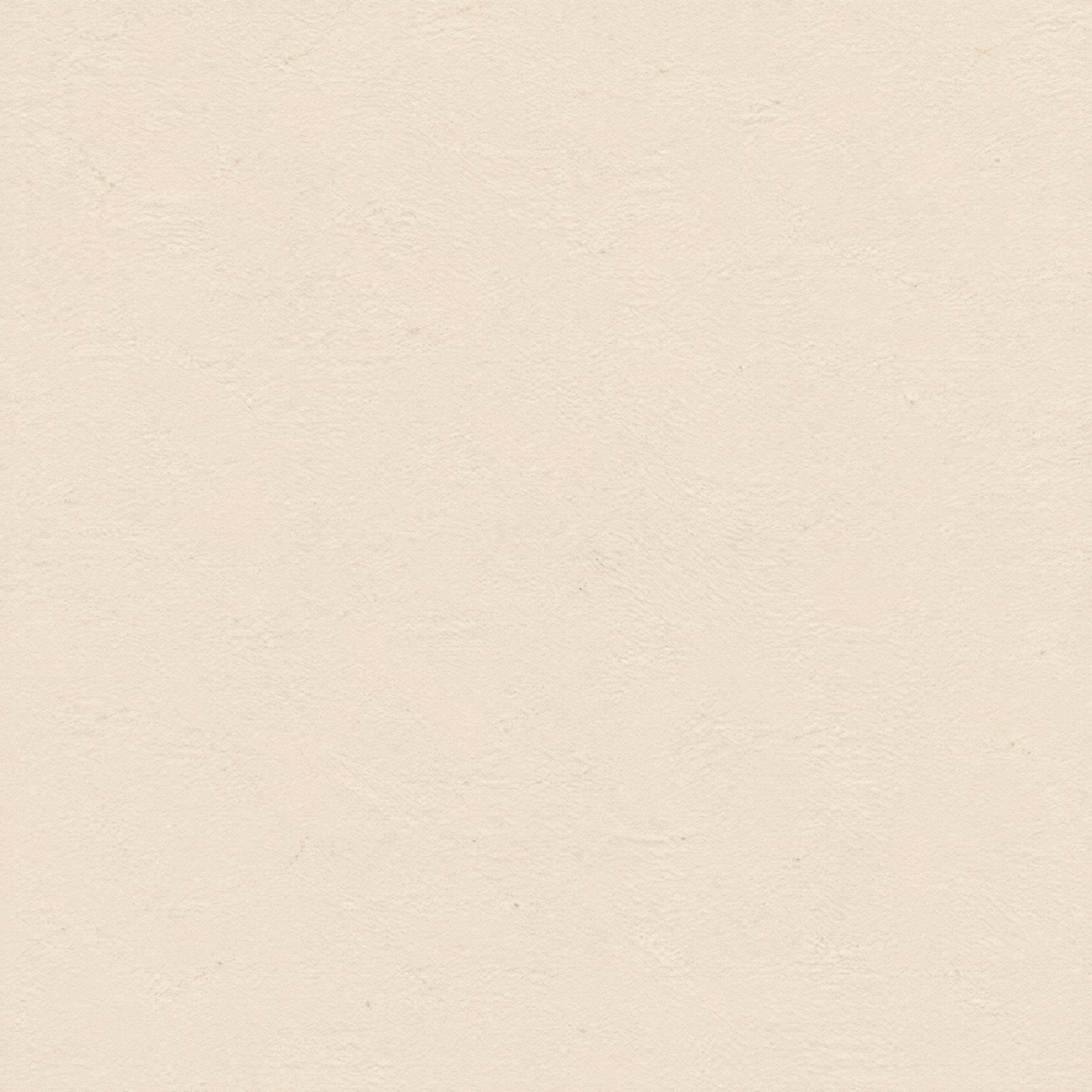
Crumpled cream paper texture
2880 × 2880PNG · 3.6 MB
Download PNG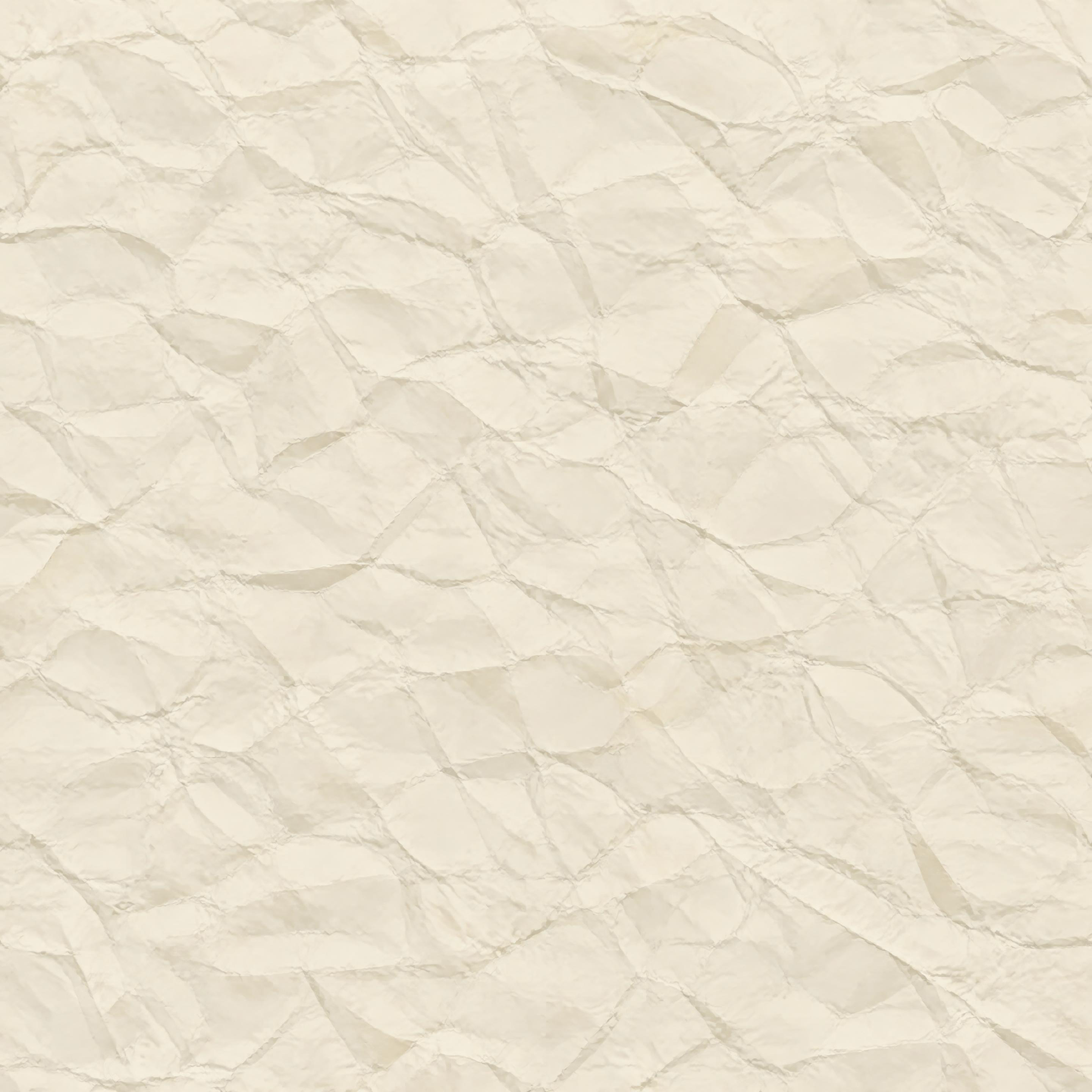
Letter-folded cream paper texture
2880 × 2880PNG · 3.7 MB
Download PNG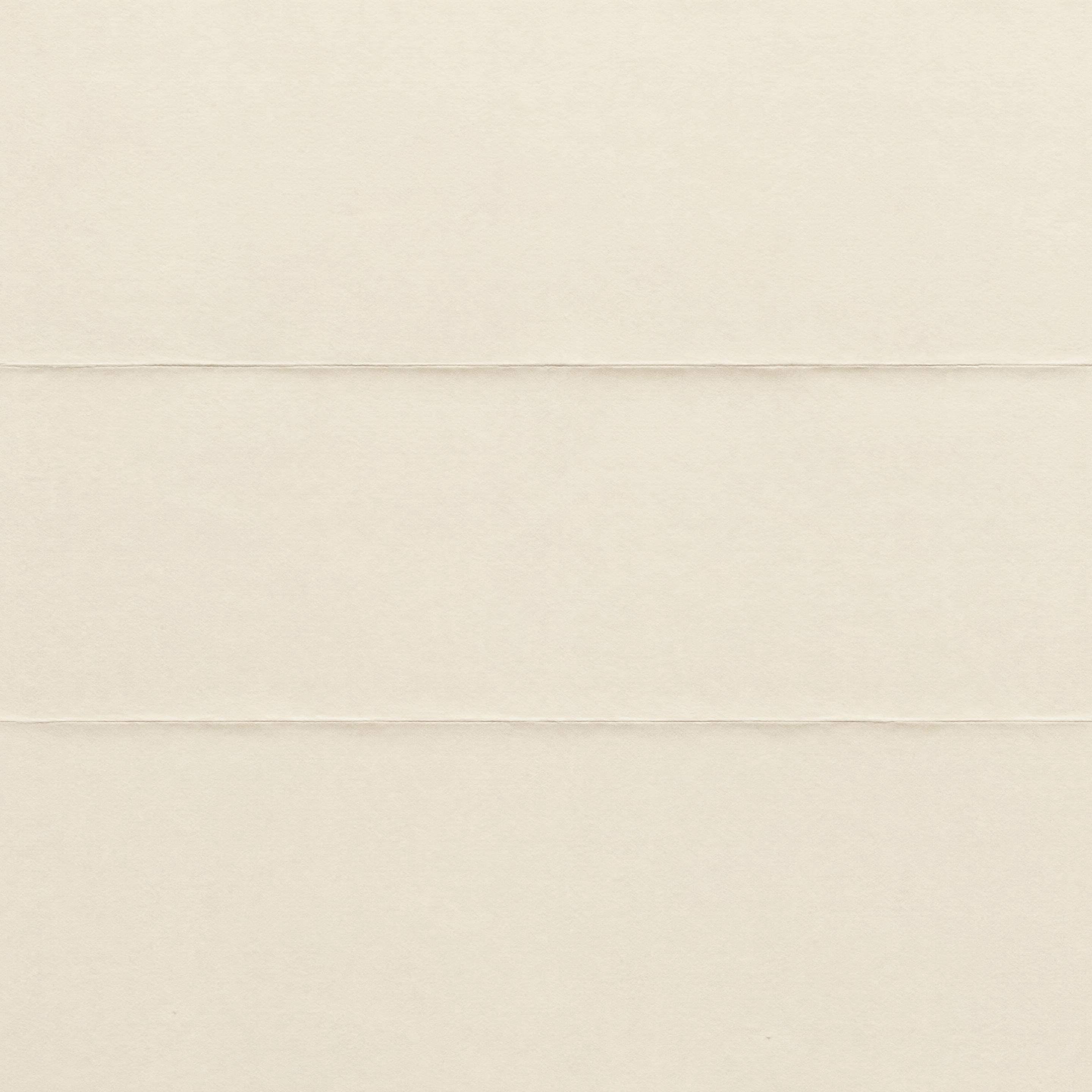
Worn parchment old paper texture
3504 × 2336PNG · 11.5 MB
Download PNG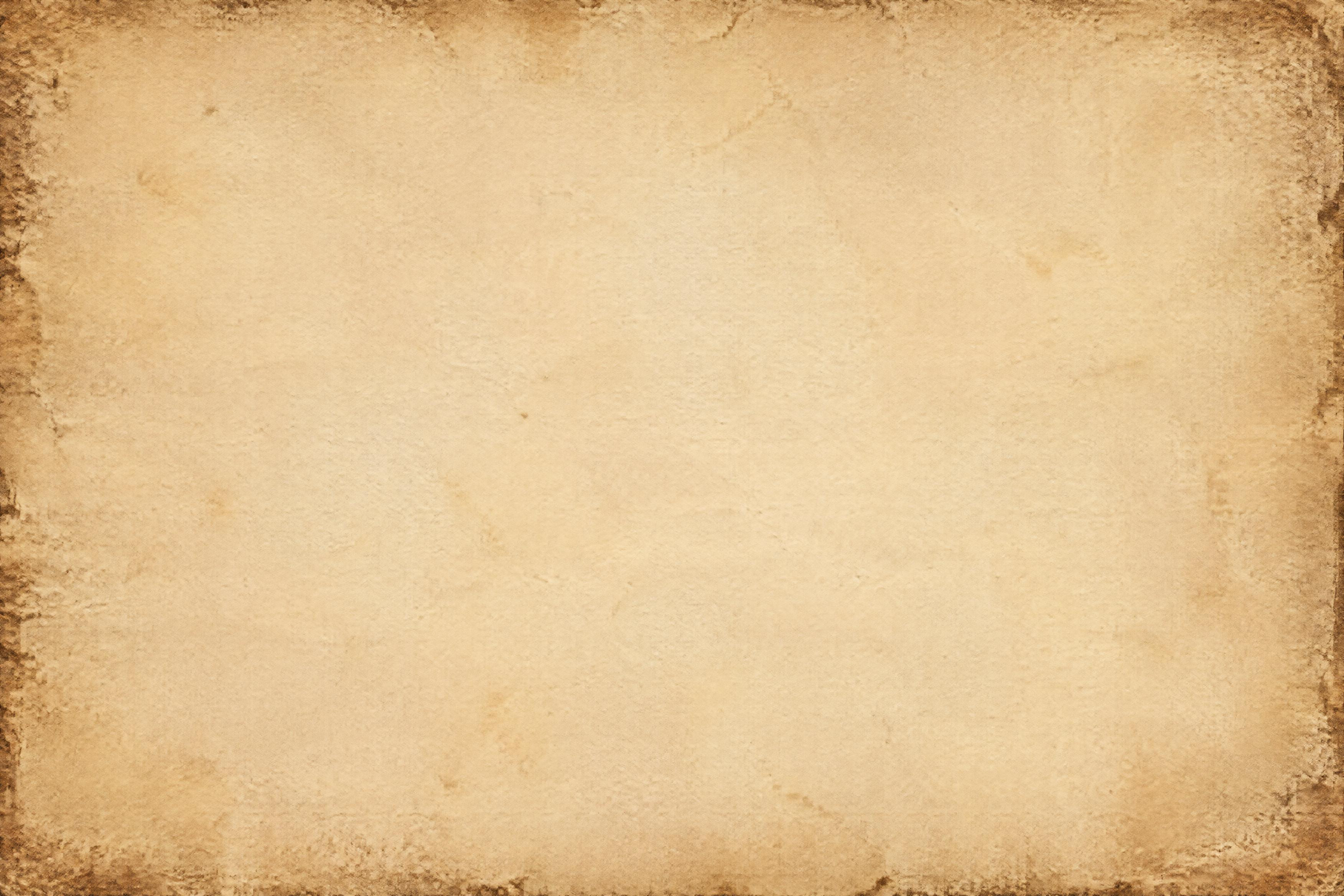
Fine-fiber white paper texture
2880 × 2880PNG · 1.7 MB
Download PNG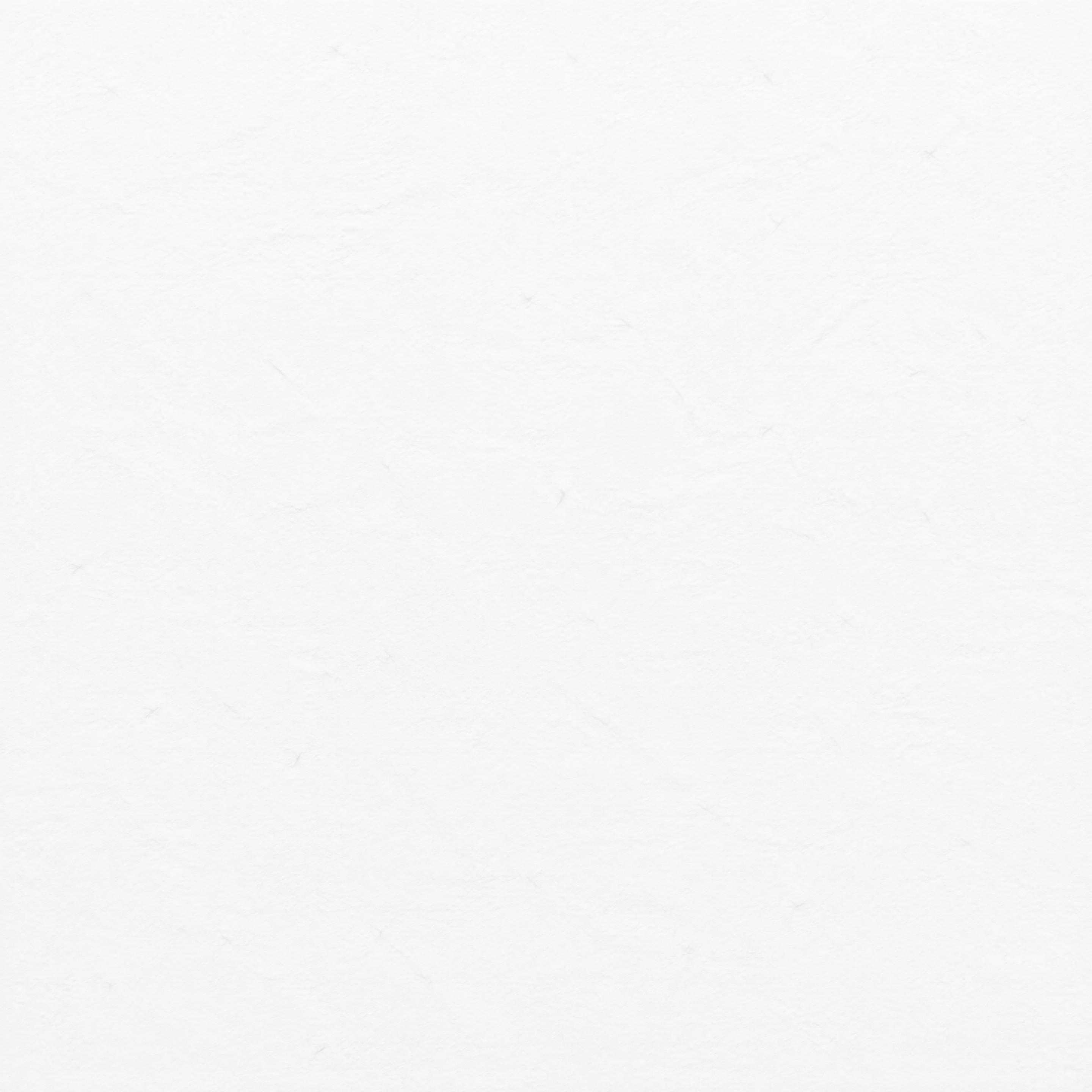
Soft ivory paper texture
2880 × 2880PNG · 4.9 MB
Download PNG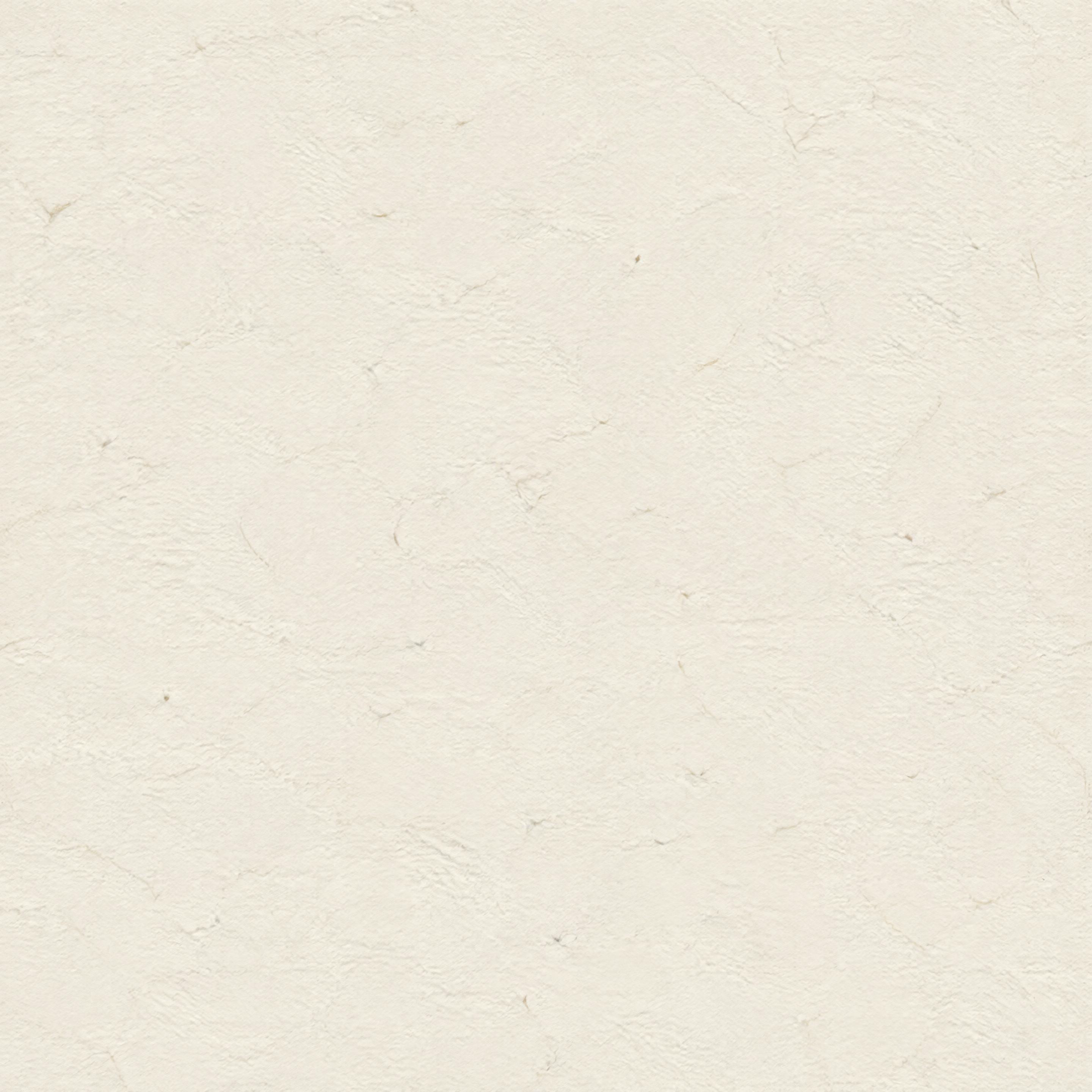
Flattened gray paper texture
2880 × 2880PNG · 4.0 MB
Download PNG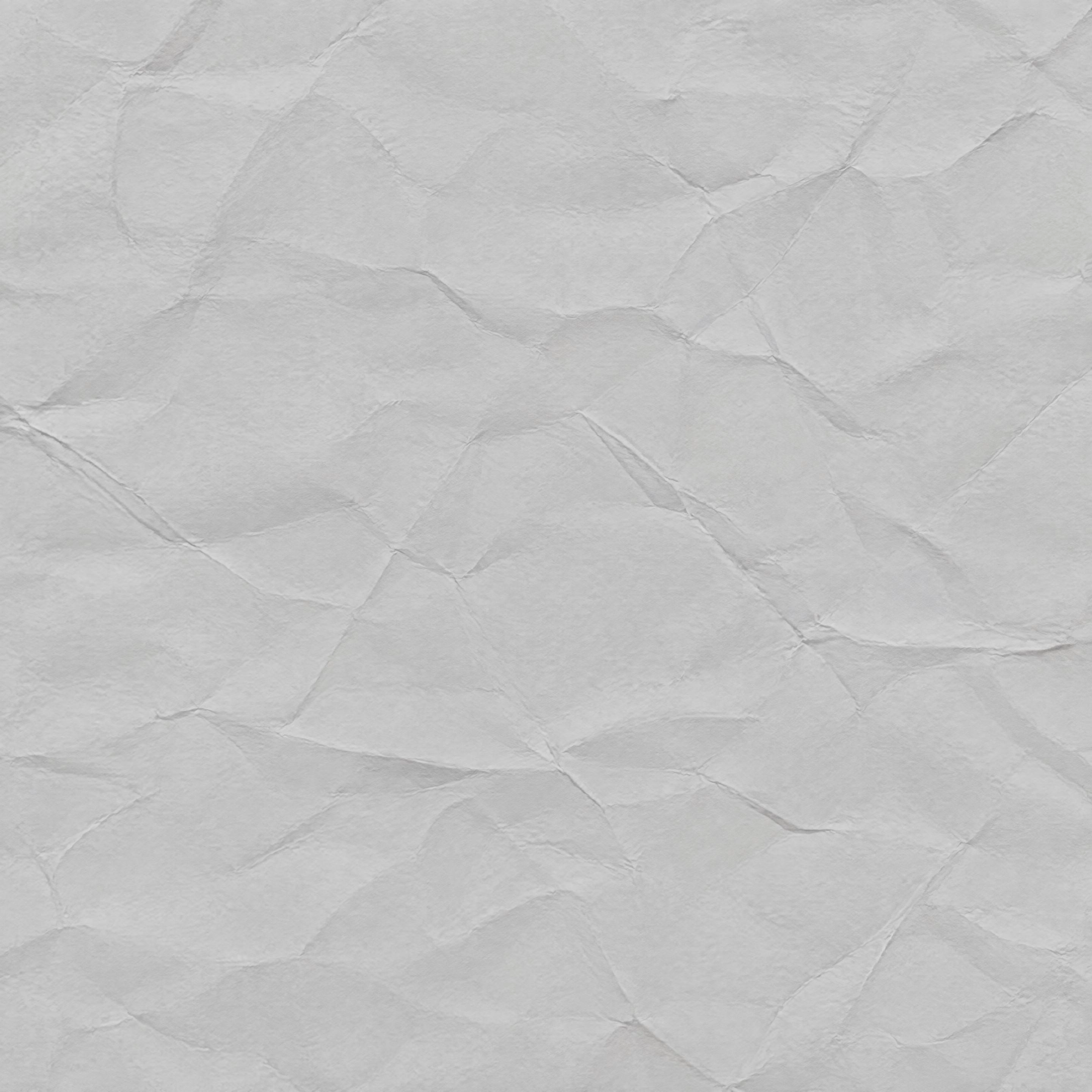
Deeply crumpled kraft paper texture
2880 × 2880PNG · 7.1 MB
Download PNG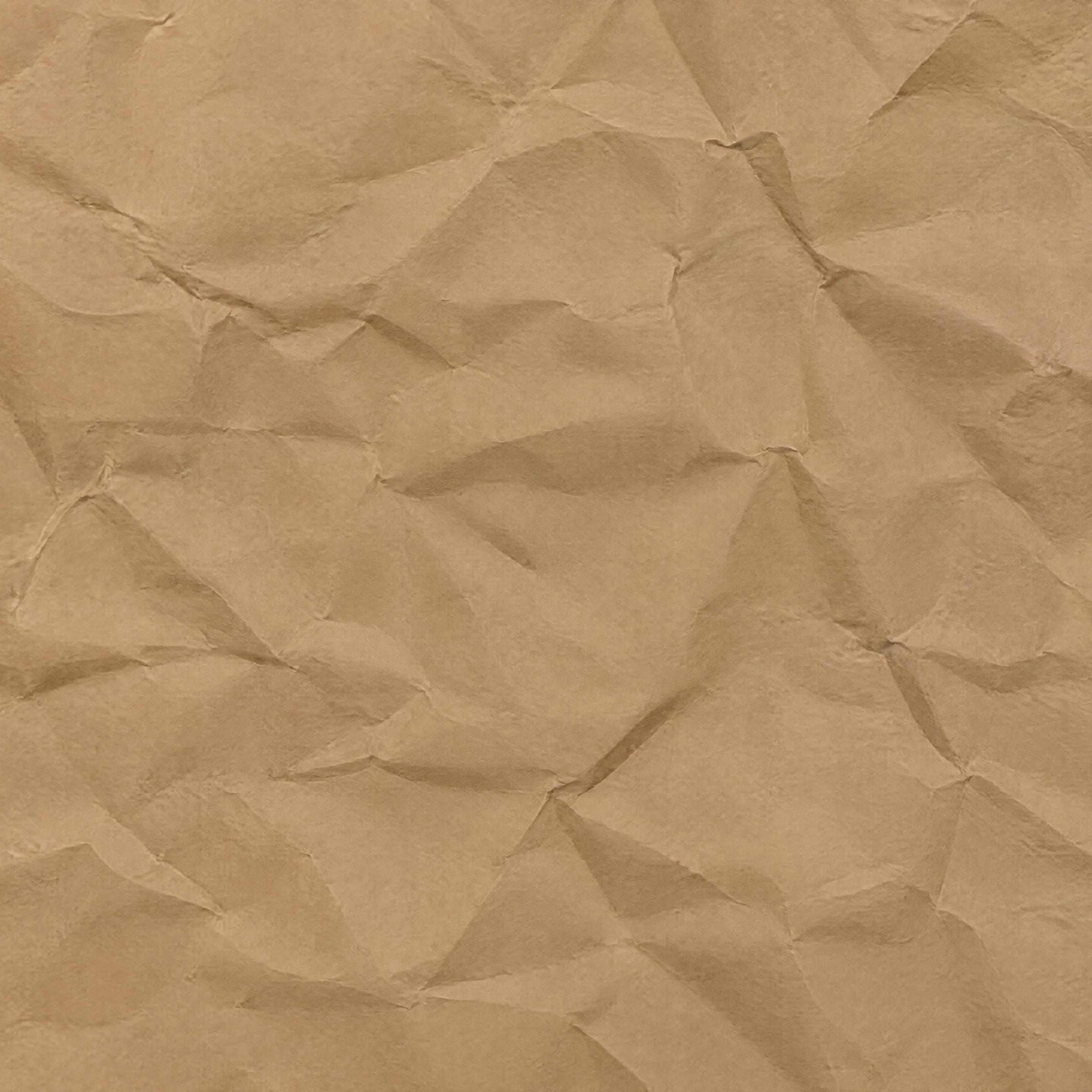
Diagonal-fold ivory paper texture
2880 × 2880PNG · 3.5 MB
Download PNG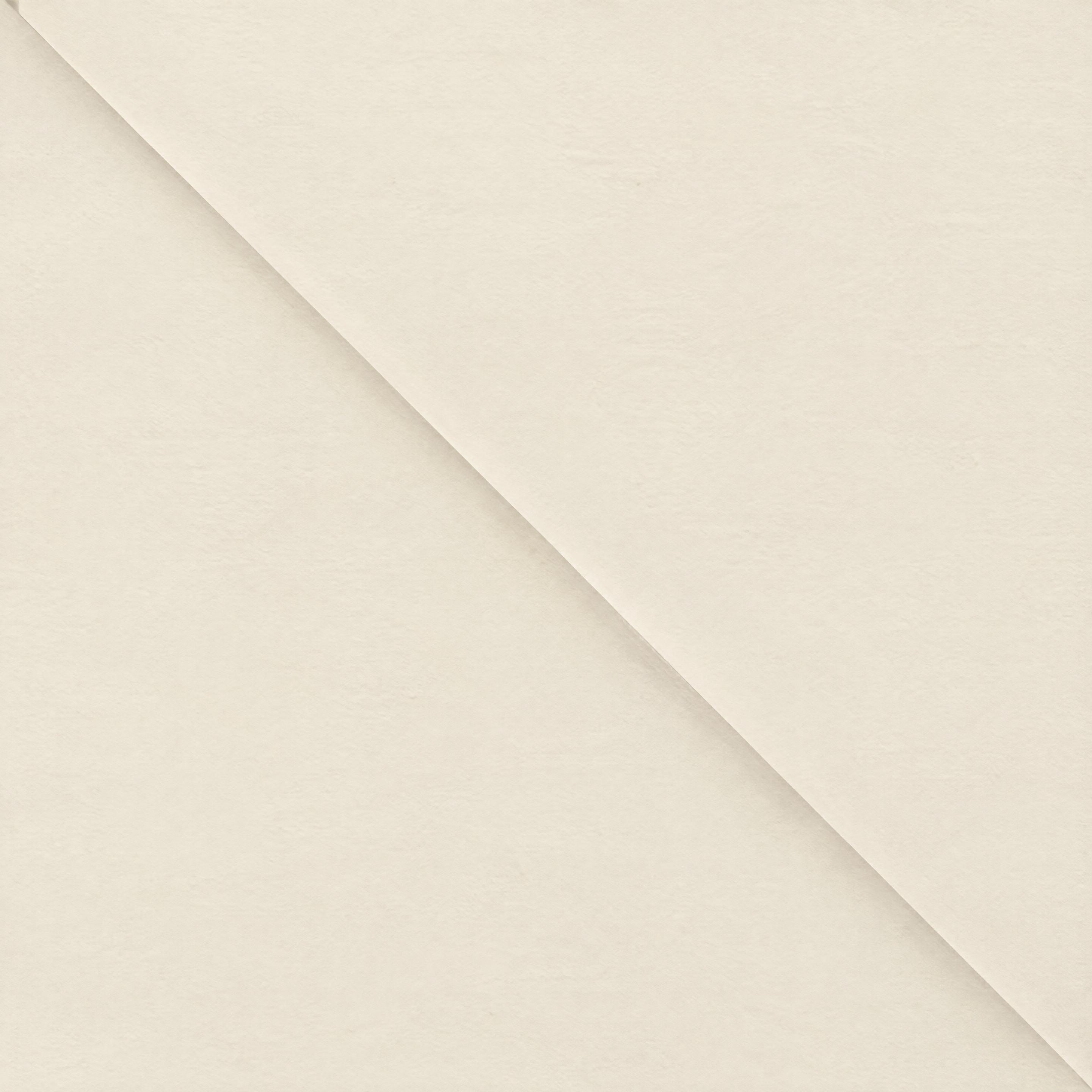
Grid-folded kraft paper texture
2880 × 2880PNG · 13.4 MB
Download PNG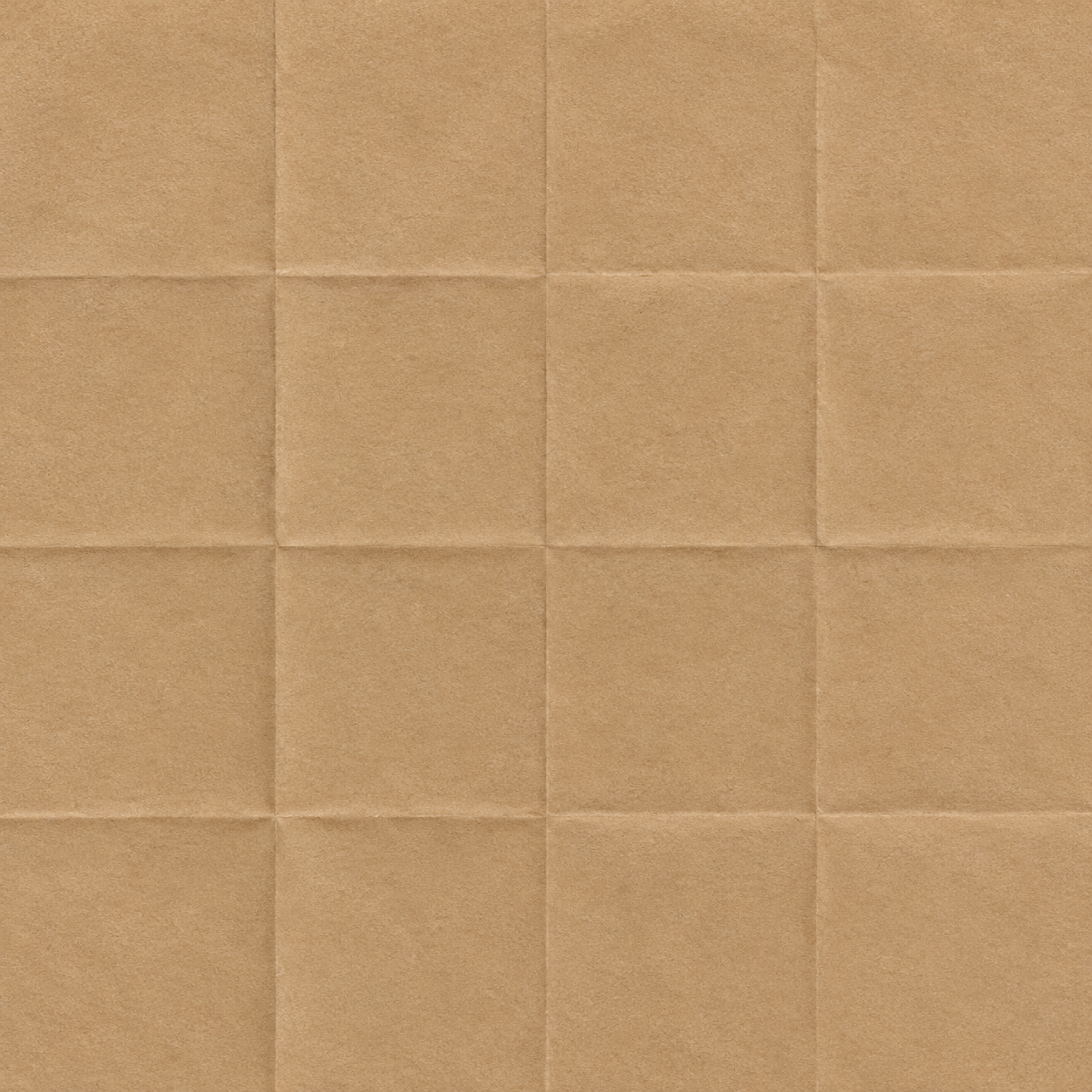
Pale yellow old paper texture
3504 × 2336PNG · 16.6 MB
Download PNG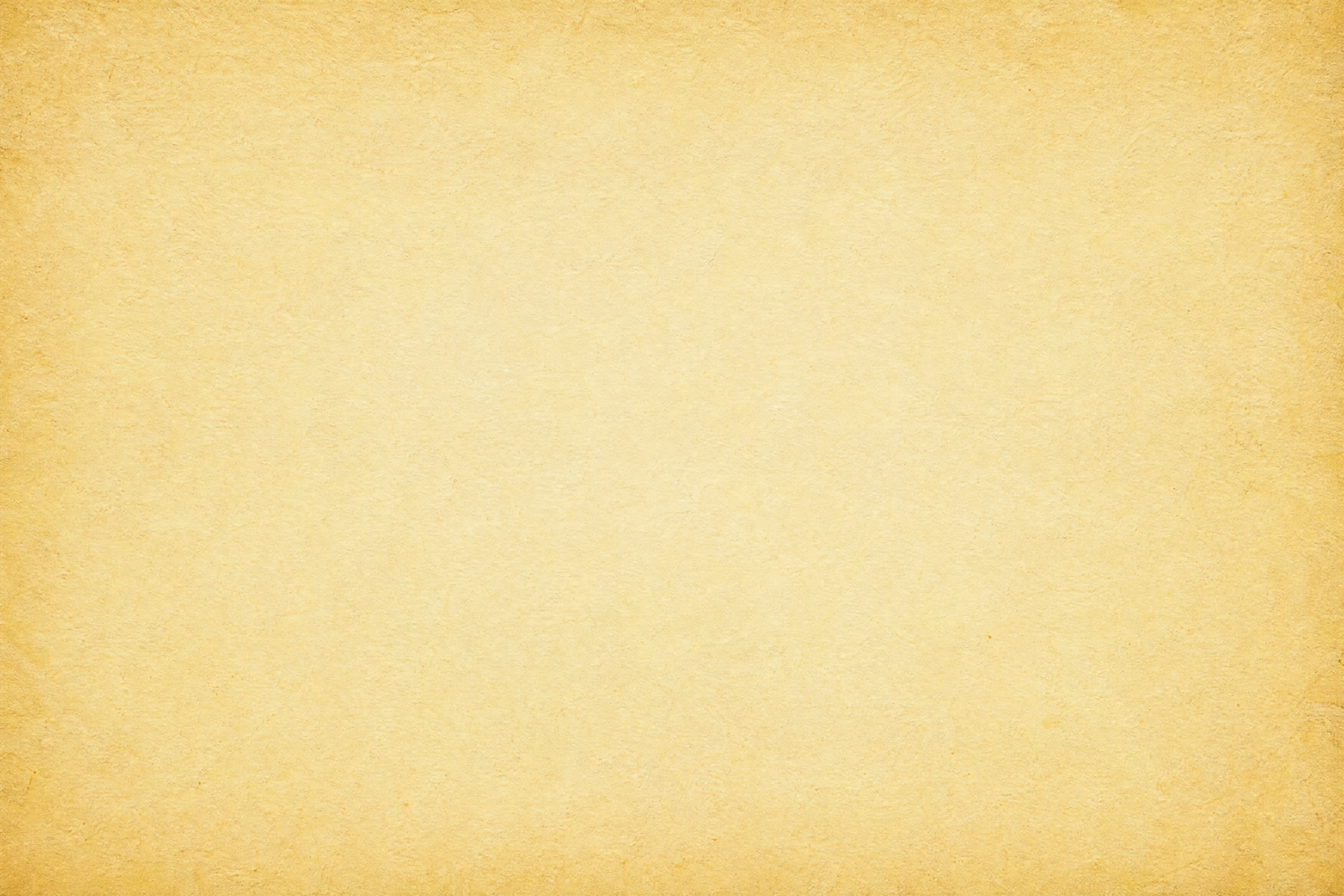
Mottled honey old paper texture
2336 × 3504PNG · 9.8 MB
Download PNG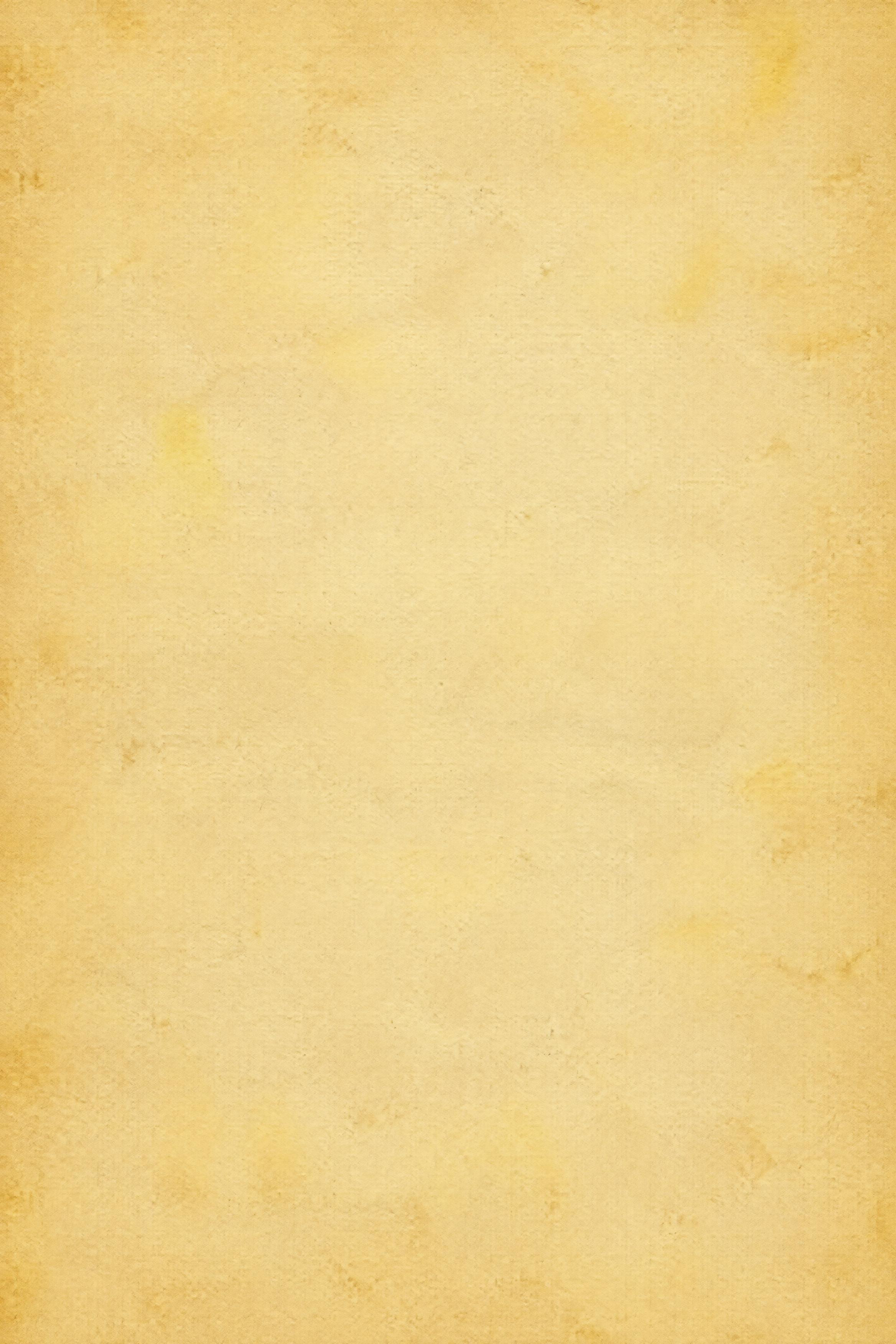
Brown-stained old paper texture
2336 × 3504PNG · 8.6 MB
Download PNG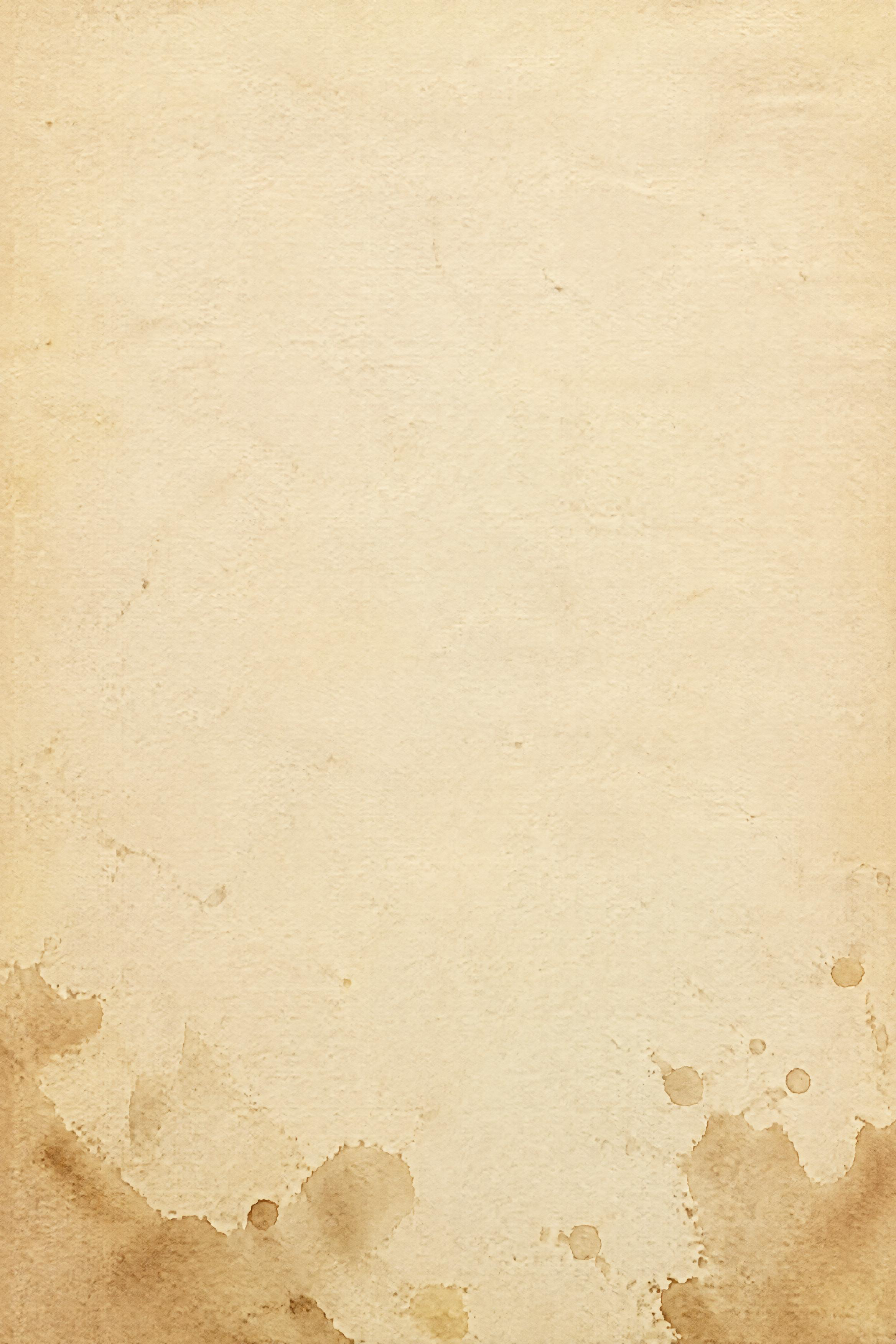
Foxed ochre old paper texture
3504 × 2336PNG · 6.8 MB
Download PNG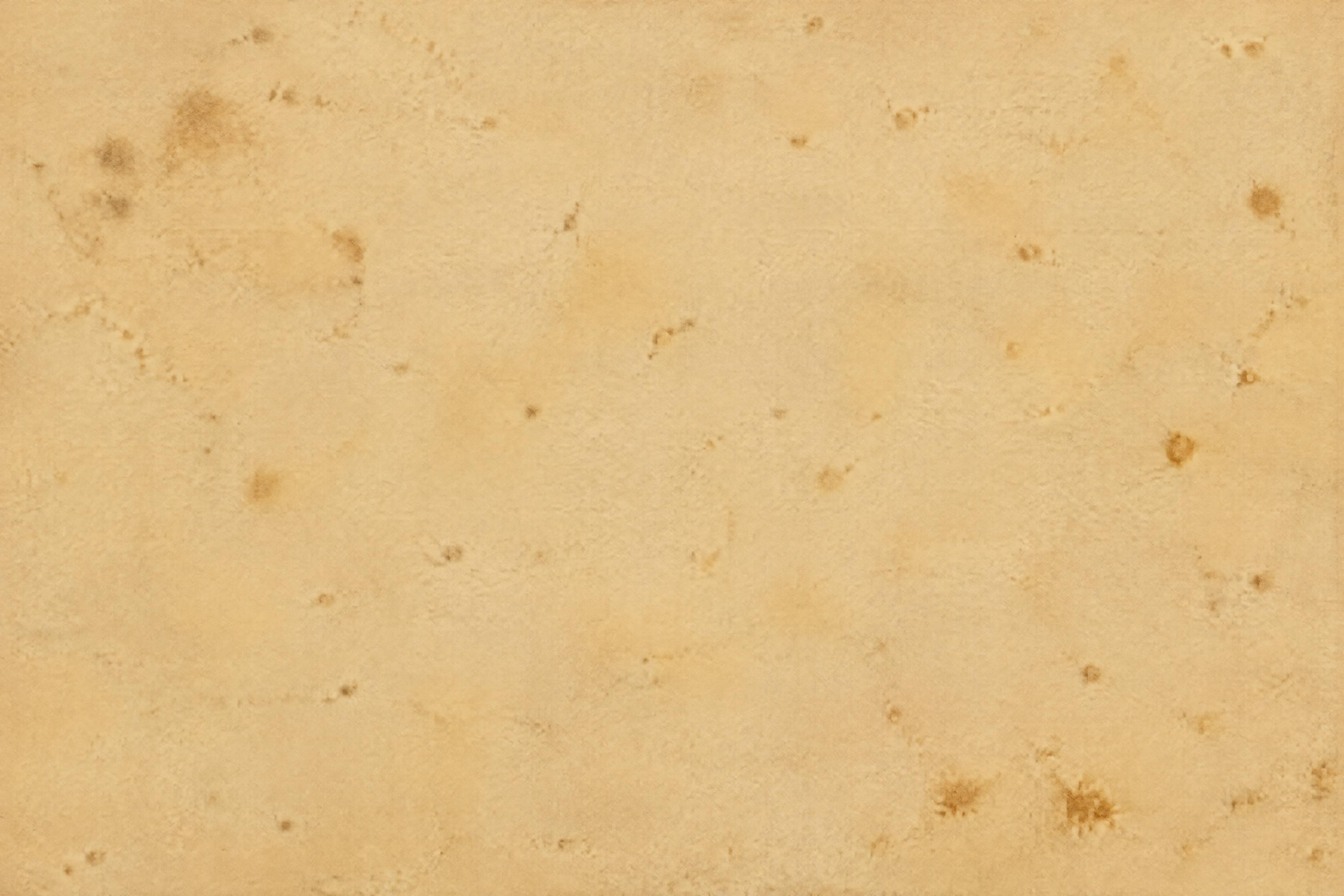
Water-stained old paper texture
2336 × 3504PNG · 7.7 MB
Download PNG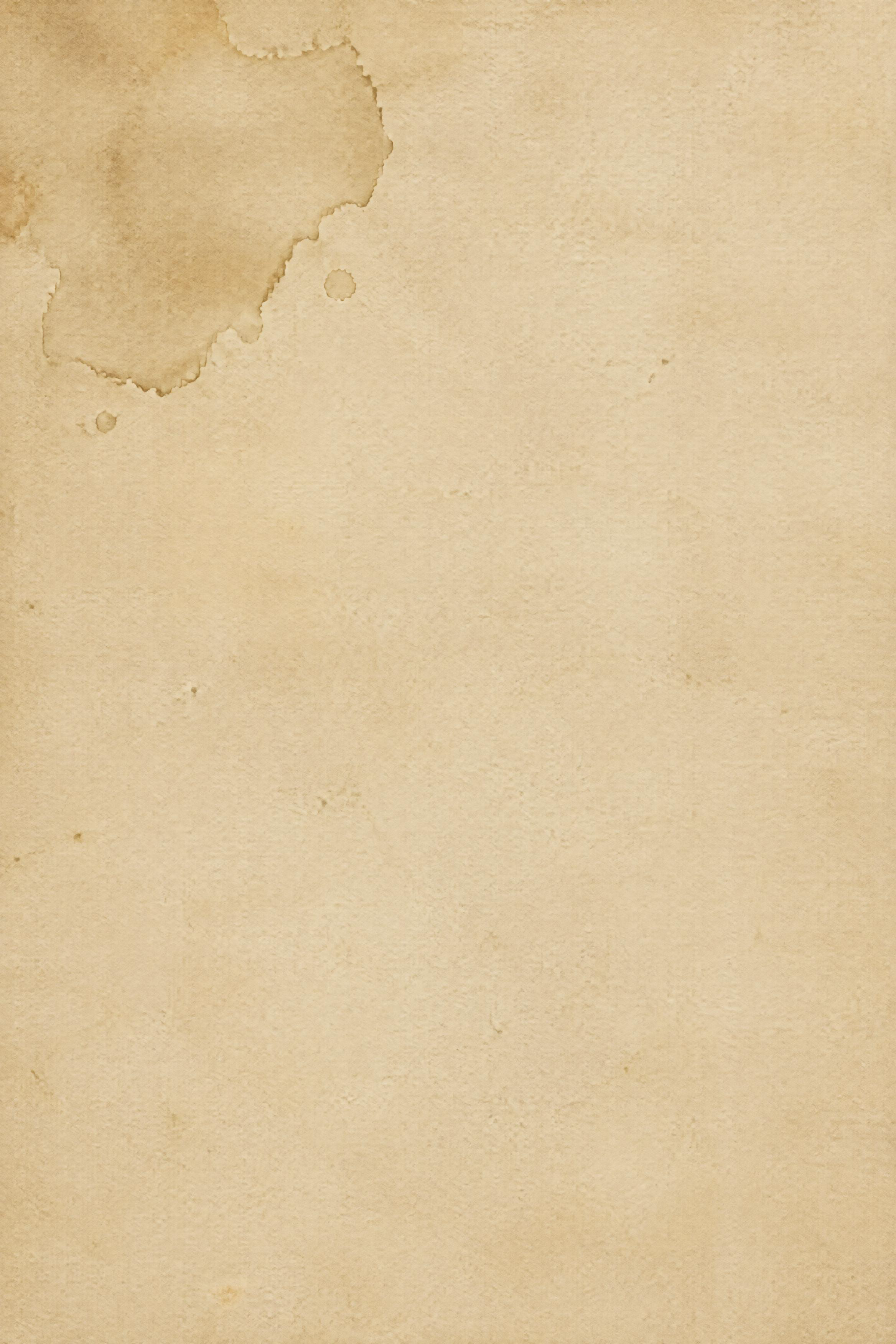
Frayed tan old paper texture
2336 × 3504PNG · 15.5 MB
Download PNG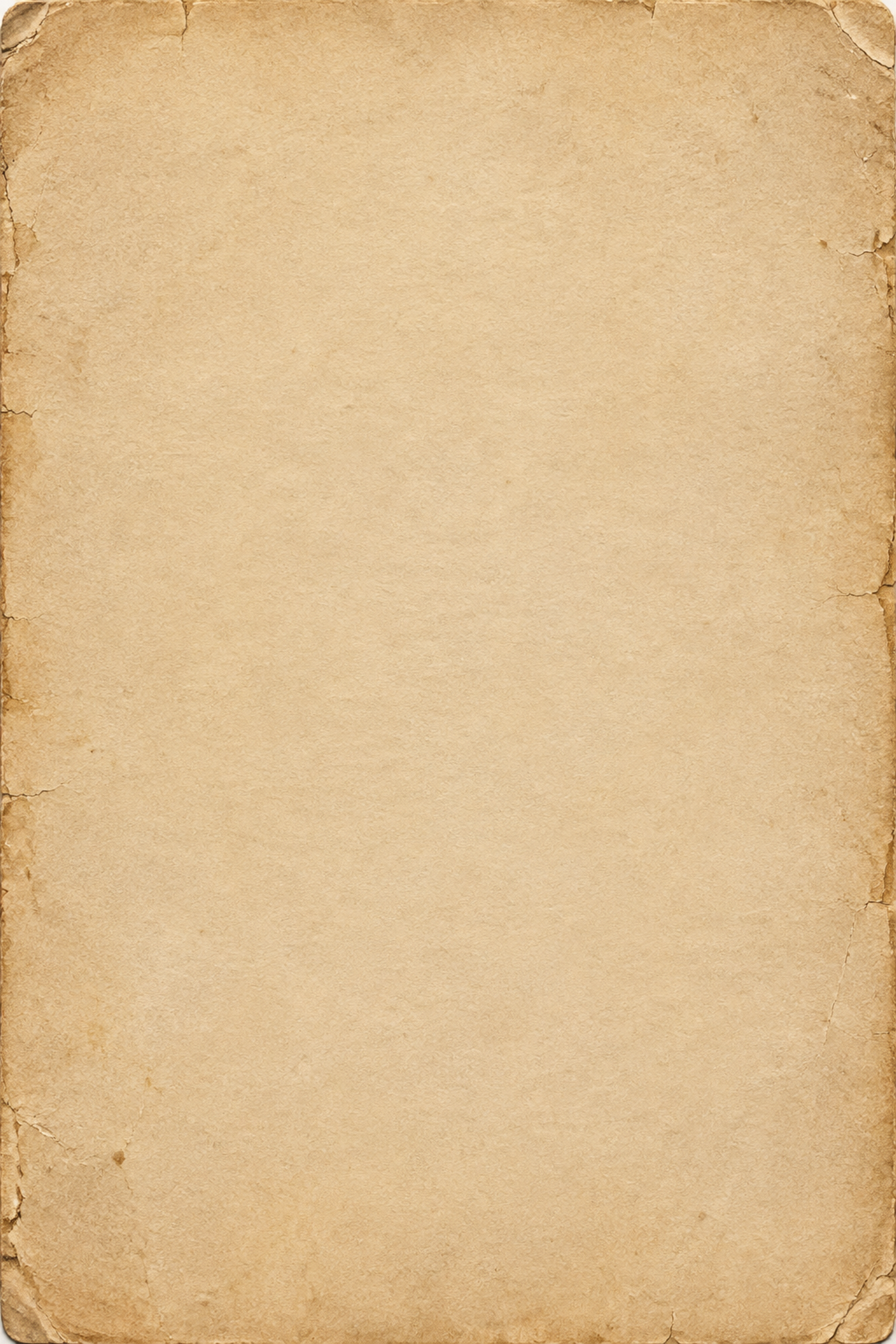
Scuffed cream old paper texture
3504 × 2336PNG · 9.2 MB
Download PNG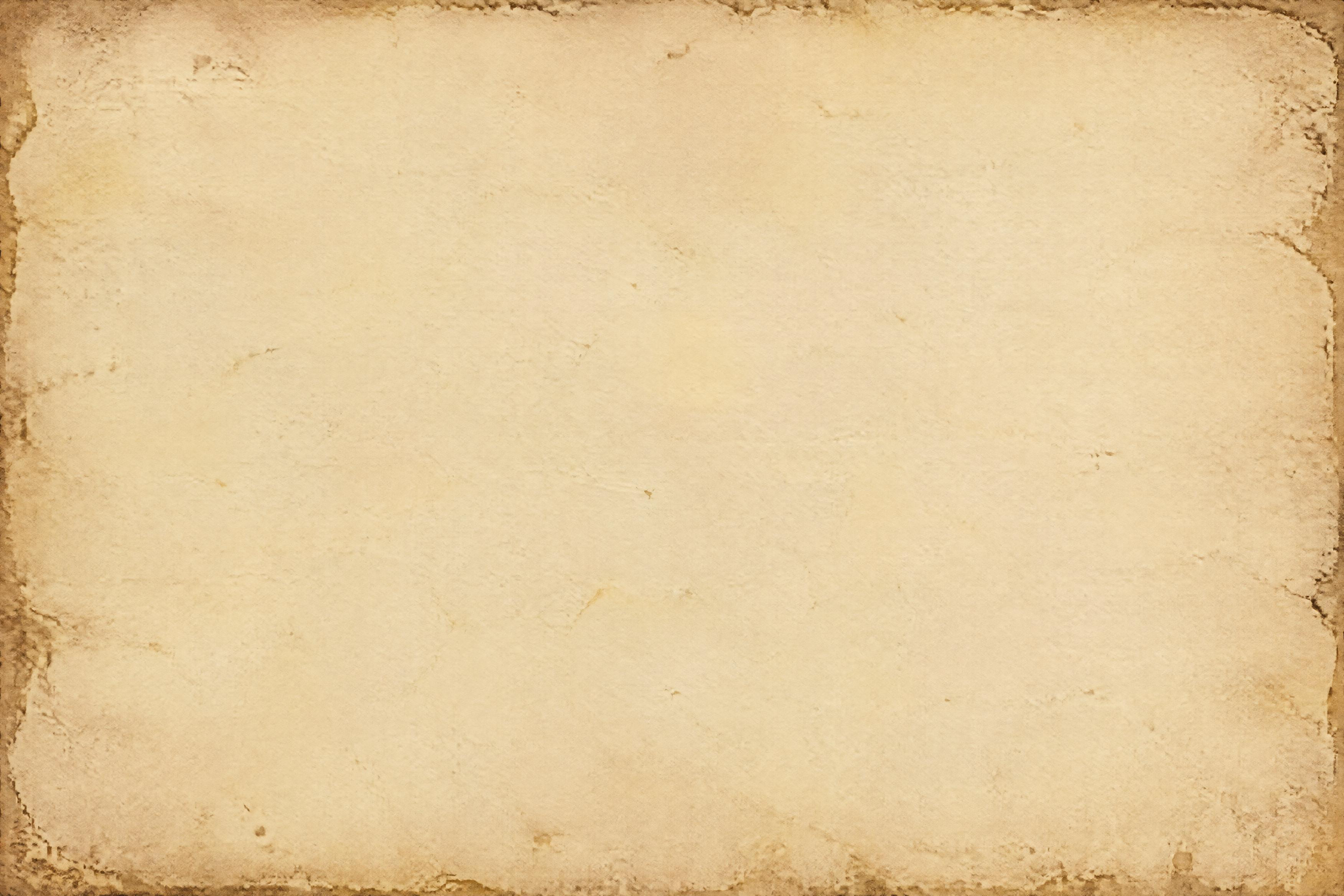
Sun-faded ivory old paper texture
2336 × 3504PNG · 6.2 MB
Download PNG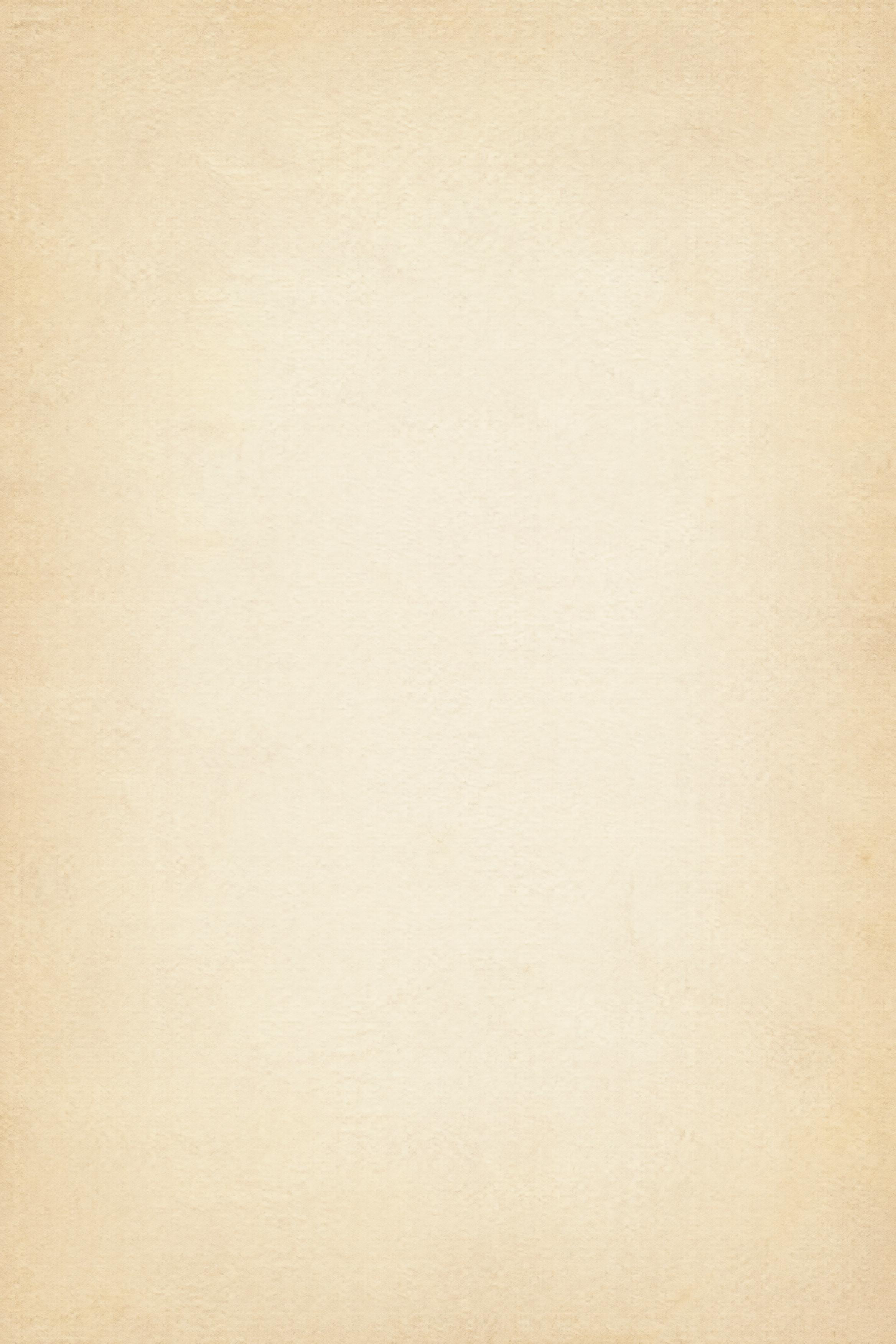
Washed gray old paper texture
3504 × 2336PNG · 13.7 MB
Download PNG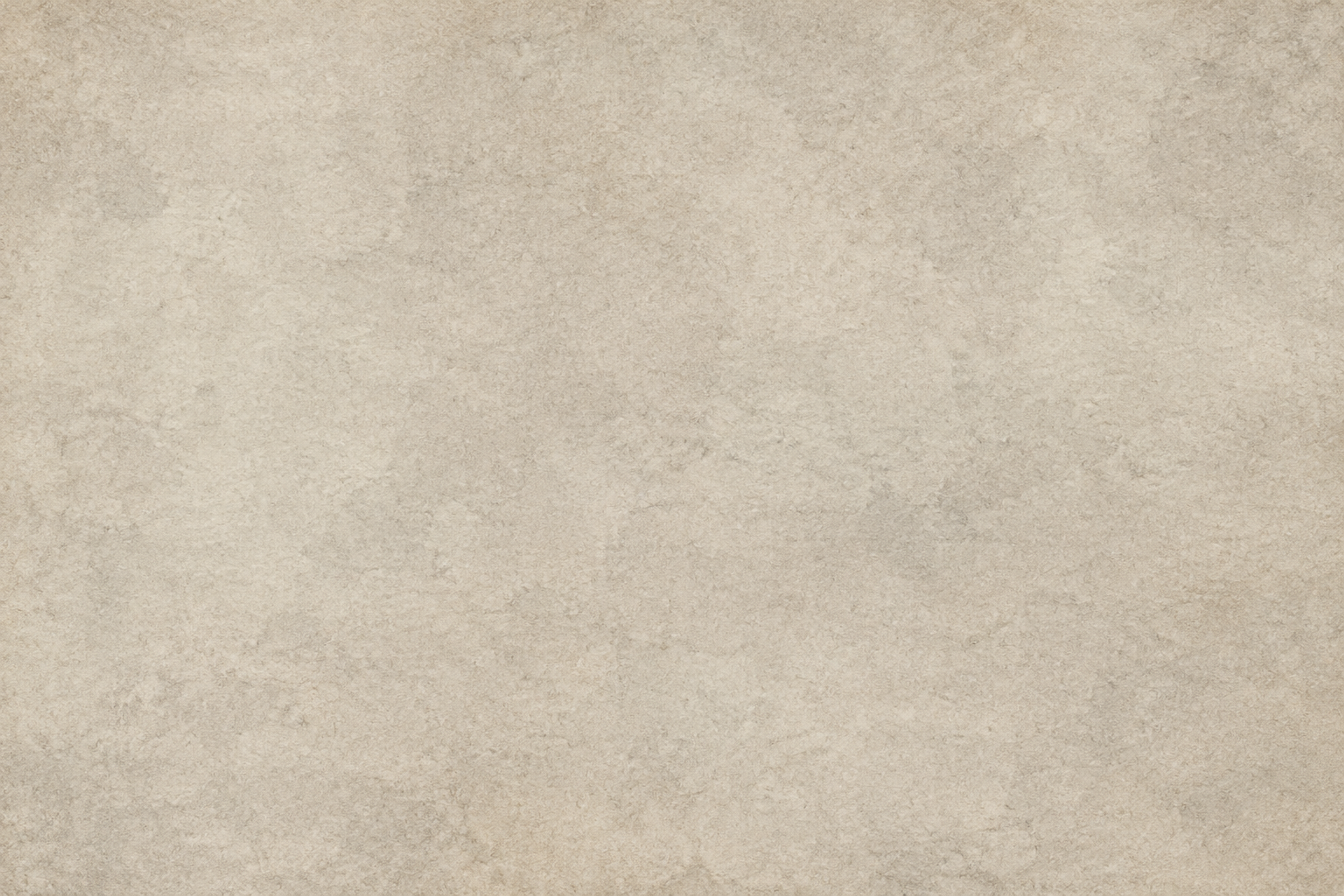
Faded rose-beige old paper texture
2336 × 3504PNG · 6.2 MB
Download PNG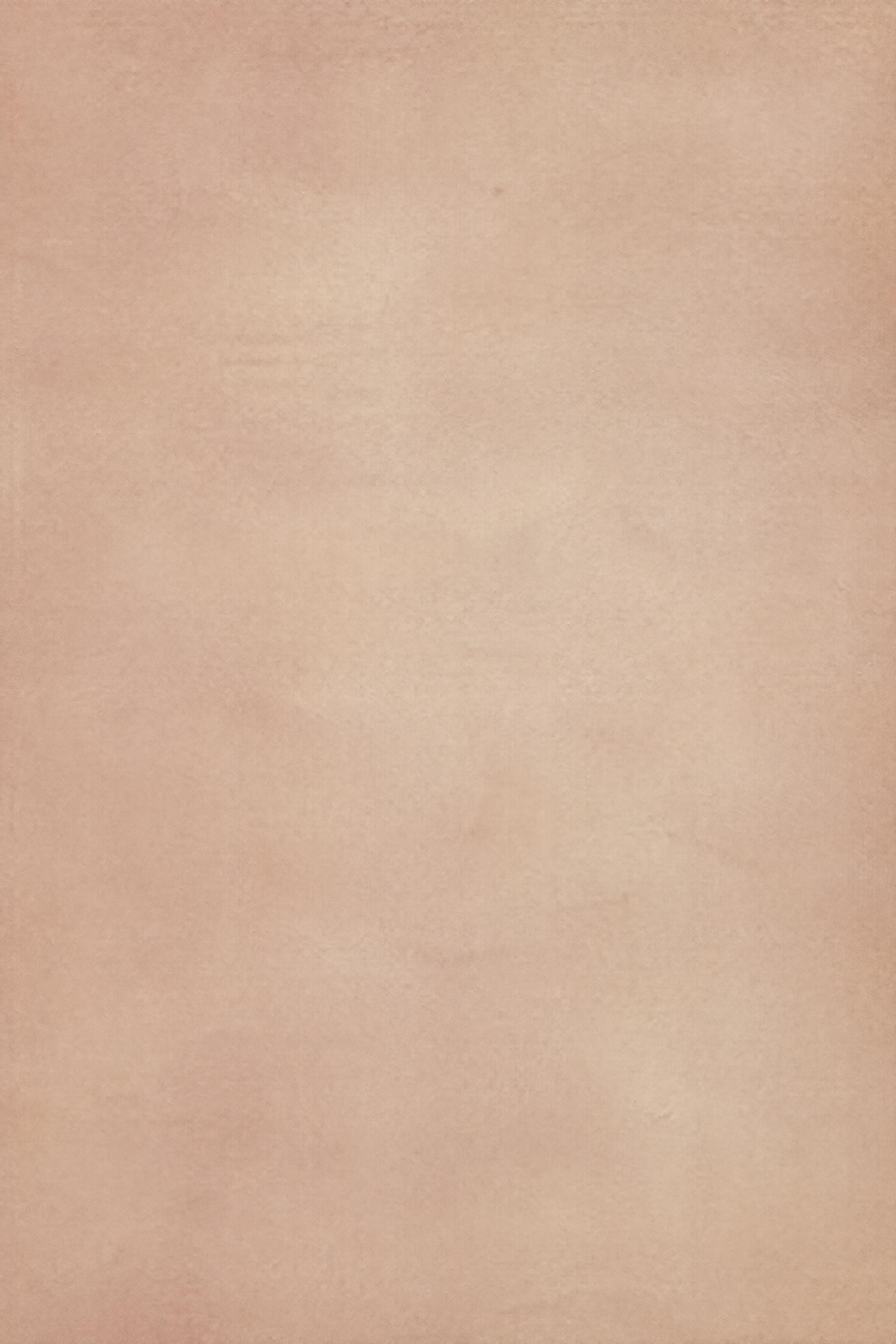
You’re at the end of this little paper collection.Something new starts with a blank sheet.
Find the right
paper texture.
A paper texture is an image of a paper-like surface used in a digital design. Start with the feeling you want, then consider the grain, the direction of the folds and the space your layout needs.
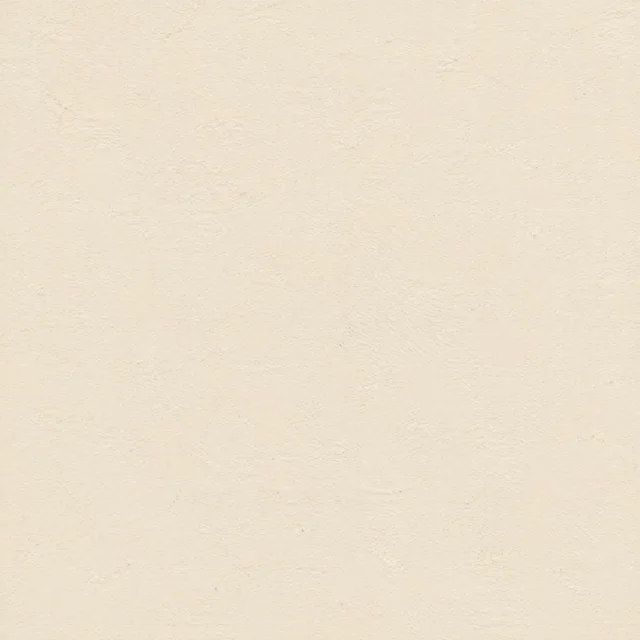
Fine grain
A fine-grain paper texture provides a quiet background for invitations, packaging layouts and text-heavy designs. Choose fine grain when the paper should support the content without competing with it.
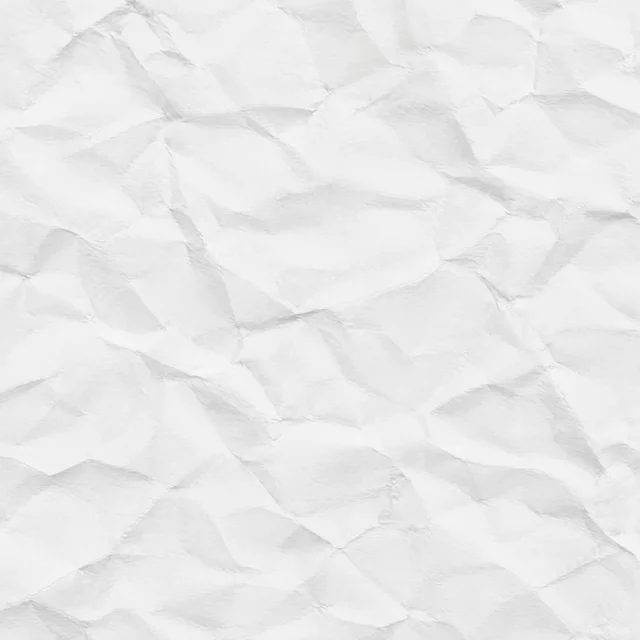
Crumpled paper
Irregular wrinkles add light, shadow and a handmade feeling. Try a crumpled paper texture for collage backgrounds, zine covers and expressive poster layouts.
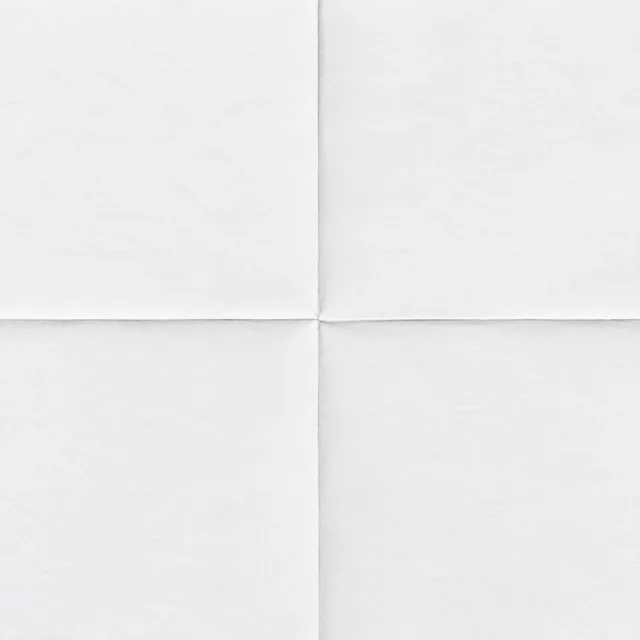
Folded paper
Straight creases bring structure to a flat composition. Place important lettering away from the fold, or use the crease as a deliberate part of your layout.
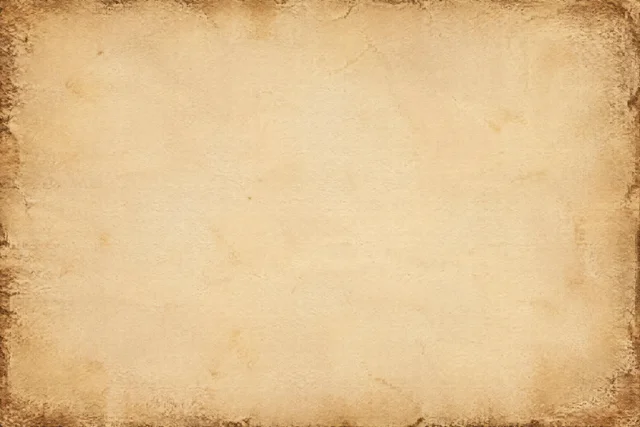
Vintage paper
Yellowing, stains and worn margins suggest age. Look for a lighter center for readable text, or stronger edge marks for scrapbook and archival-style compositions.
A surface becomes
something of your own.
Three layouts made with this collection. The lettering and photograph are usage examples; each download contains only its original paper texture.
Make something
worth keeping.
A vintage poster
Keep the title in the pale center and let the worn margins frame the composition.
Material: Worn parchment old paper texture
A little
get-together.
An invitation with a softer touch
Subtle grain gives a type-led layout warmth while leaving small text clear.
Material: Fine-grain cream paper texture
 Fine fibers · Multiply · 35% opacity
A photograph with fine grain
This example places the white texture above the photo with Multiply blending. Adjust the strength to suit your own image.
Material: Fine-fiber white paper texturePut your paper
texture to work.
Use the PNG as a complete background, or blend it into a photograph. The best starting point depends on what you want the texture to do.
As a design background
- Download your chosen paper texture as an original PNG and place it on your design canvas.
- Scale it proportionally, then place your lettering and graphics above it.
- Check the crop. Keep distinctive folds and worn edges if they matter to the composition.
As a photo overlay
- Place the paper image on a layer above your photograph.
- Try Multiply for a light paper texture, then lower the opacity. If your editor supports Overlay, compare that finish too.
- Adjust contrast and scale while viewing the image at its intended size. Save the finished composition separately from the original texture.
A useful starting point: fine grain for a subtle finish; stronger crumples and stains when the paper itself should be part of the story.
Know what
you’re downloading.
Original files, clear dimensions and a few details worth knowing before you start.
- File format
- PNG · Opaque paper surface
- Square textures
- 2880 × 2880 px
- Landscape textures
- 3504 × 2336 px
- Portrait textures
- 2336 × 3504 px
- Download size
- Up to 16.6 MB per file
- Source
- AI generated
The dimensions on each card are the dimensions of the actual download. Preview images are smaller files for browsing; the Download PNG link gives you the original.
These are full paper surfaces. PNG is the file format, not a promise of transparency. Seamless tiling and physical-scan provenance are not claimed for this collection.
Download price and usage rights
PaperMotion Asset License · Effective October 22, 2026
The files are free to download without an account. You may use them for personal and commercial projects, modify them and incorporate them into finished designs, including client work and products for sale.
You may not resell the original files or redistribute them as an asset pack. Permission to use a texture in a finished design does not grant permission to offer the source texture as a standalone download.
This permission covers the AI-generated paper texture files in this collection. It is the PaperMotion Asset License, not CC0. Contact us about permission and refer to our terms.
Give your photos a paper feeling.
Keep creating with an online paper finish, a vintage treatment or a torn edge.
A few paper notes.
Formats, working methods and the details behind this collection.
Have another question?Is the paper texture download free?
Yes. Each original PNG is free to download without an account. Personal and commercial use in finished designs is allowed under the PaperMotion Asset License. Reselling the original files or redistributing them as an asset pack is prohibited.
What resolution will I get?
The exact width and height are listed on every card. This collection includes square files at 2880 × 2880 pixels, landscape files at 3504 × 2336 pixels and portrait files at 2336 × 3504 pixels. Print size depends on the pixel density you choose for your project.
Does PNG mean the background is transparent?
No. These PNGs contain opaque paper surfaces. A plain white paper image is still an opaque background, rather than a transparent cutout.
Can I use a texture in Photoshop or Canva?
Download the PNG and import it into your design. For a background, place it behind text and graphics. For a photo finish in an editor with layer blending, place it above the photograph and adjust its blend mode and opacity. The available editing controls depend on your editor.
Are the images seamless or tileable?
Seamless tiling has not been verified. Use a texture as one continuous image, or inspect the joins yourself before repeating it across a larger surface.
Are these scans of real paper?
No. This is an AI-generated collection with different grain, crease and aging characteristics. The images are not presented as scans or photographs of physical paper.
Can I use the files commercially or redistribute them?
You may use and modify the textures for personal and commercial projects, including client work and finished products for sale. You may not resell the original files, redistribute them as an asset pack or offer the source texture as a standalone download. See the PaperMotion Asset License above.
Can I make a paper effect without downloading a texture?
Yes. Open our Paper Texture Overlay tool to make a paper-style finish on your own photo. It is a separate editing workflow; a texture shown in this collection is not automatically applied by that link.